CFE - Advanced Estimating Worksheet guides
Step-by-step guides for the commercial flooring estimating software we use every day. Each guide answers one estimating task with real screenshots from a filled-in sample job and the numbers worked through, from your first estimate to change orders, man days, proposals and the bid tracker.
New to CFE? Start here
Getting started
Install, set up your company and team, and know what the trial includes.
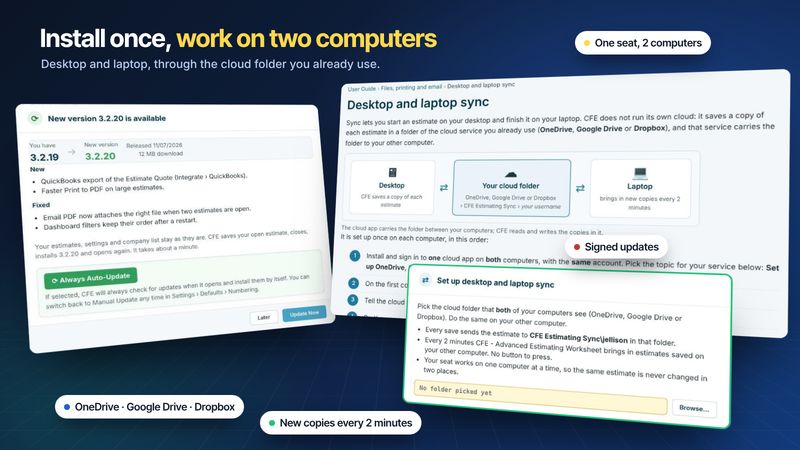
Install and sync two computersDownload, sign in, turn on desktop and laptop sync, and choose how updates install.
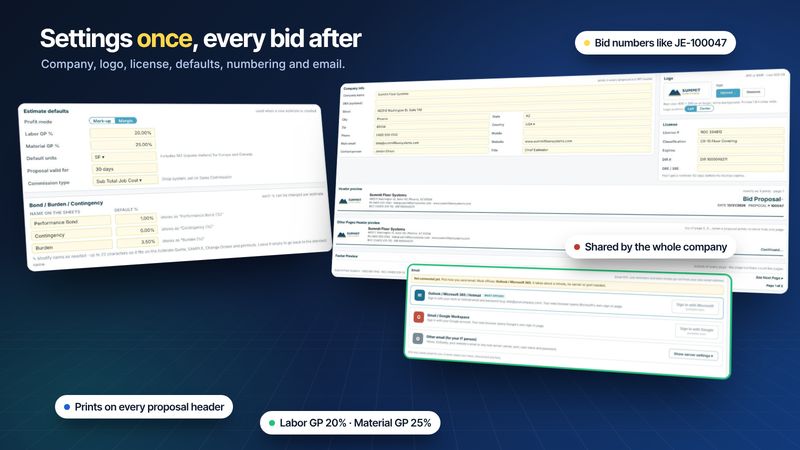
Company settingsCompany info, logo, license, default GP, bond, burden, tax, numbering and email.
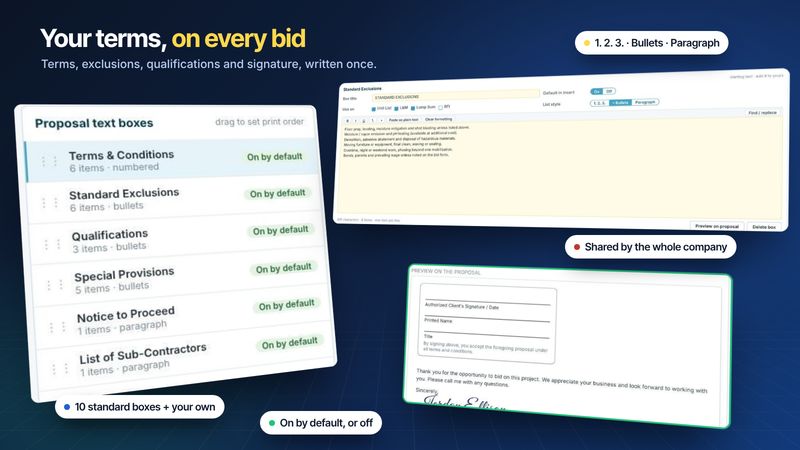
Proposal terms and exclusionsWrite terms, exclusions, qualifications, warranty and your signature once; every proposal uses them.
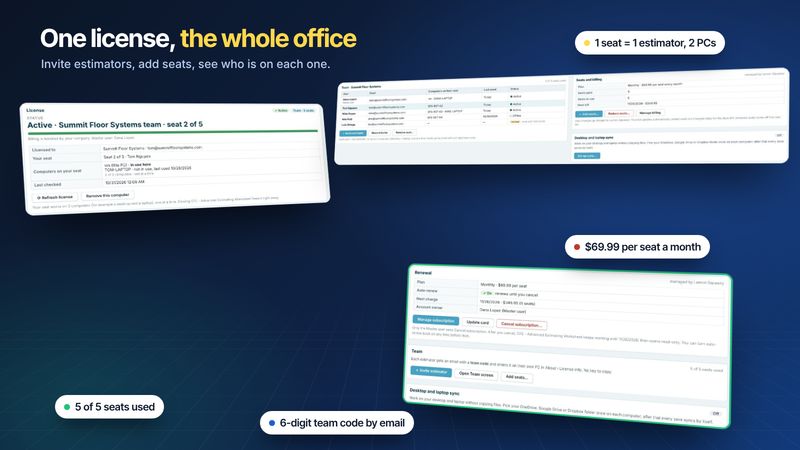
Team members and seatsInvite estimators with a team code, add or reduce seats, and see who is on each seat.
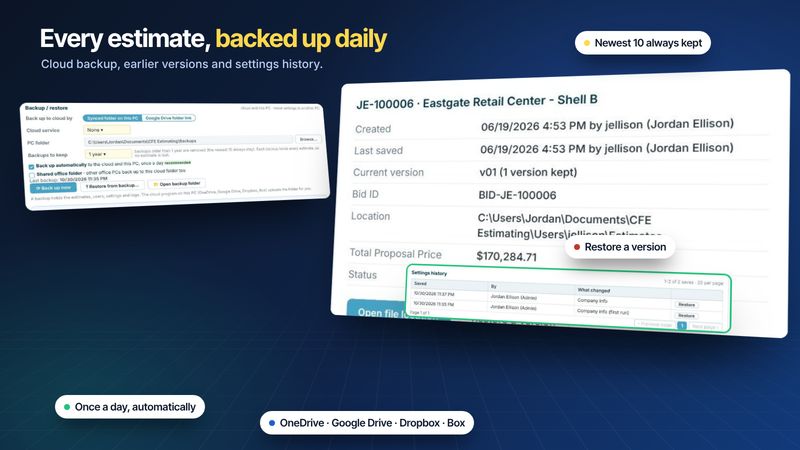
Backup, restore and version historyDaily cloud backup, restore from a backup, earlier estimate versions and settings history.
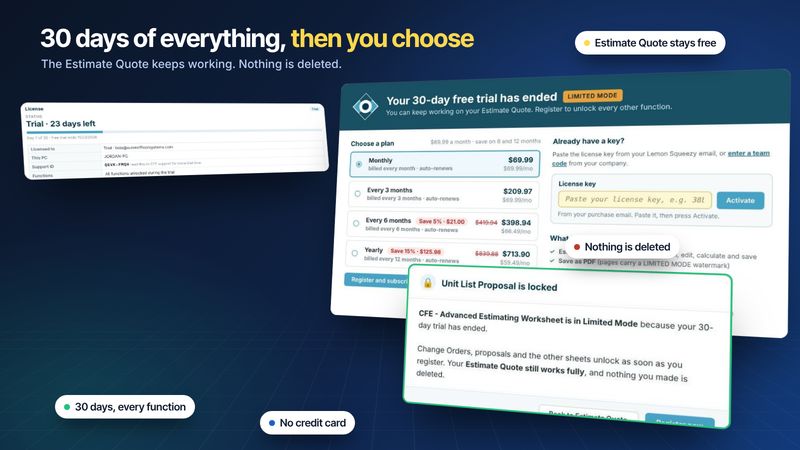
Free trial vs Limited ModeEvery feature for 30 days; after that the Estimate Quote keeps working and nothing is deleted.
Estimating
Build the estimate: takeoff lines, waste, profit, labor and every cost on top.
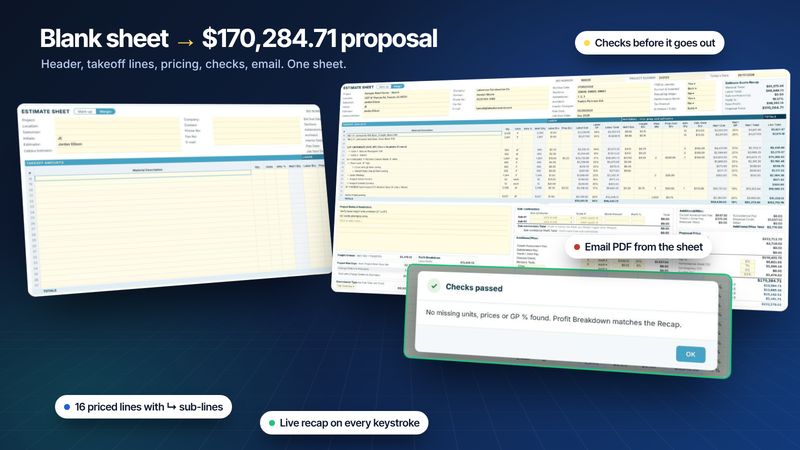
Your first estimate, step by stepFrom a blank Estimate Quote to a checked, emailed PDF, using a real retail shell bid.
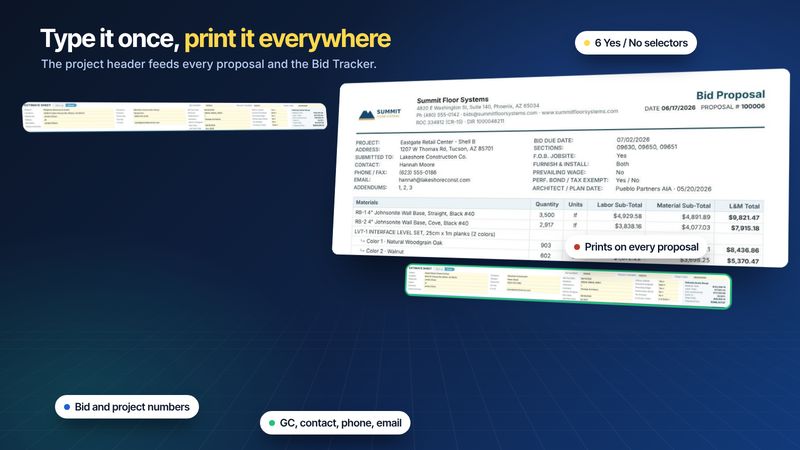
Project header and job infoProject, GC, dates, sections and the Yes / No selectors that print on every proposal.
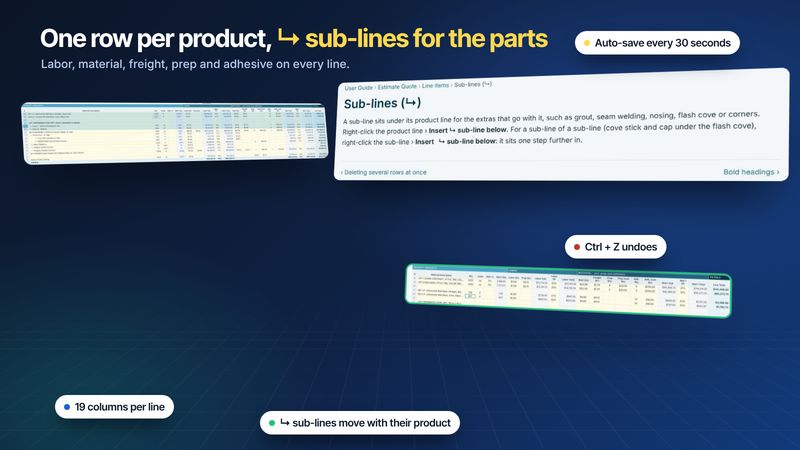
Takeoff lines and sub-linesEvery column of the takeoff grid, ↳ sub-lines, multi-row edits, zoom and freeze.
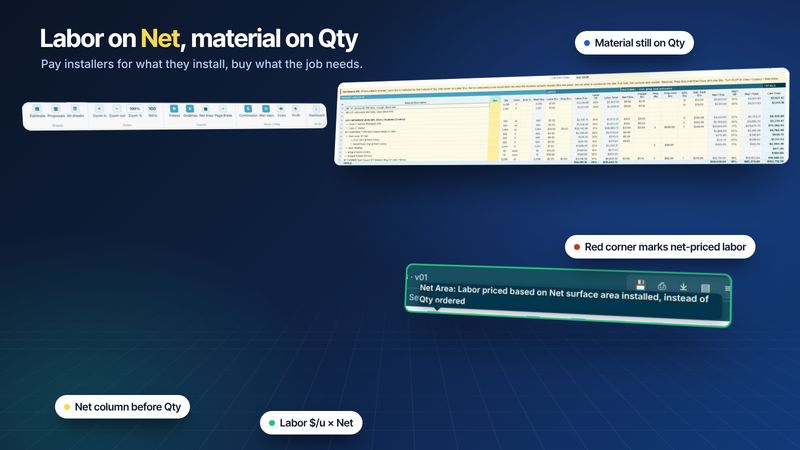
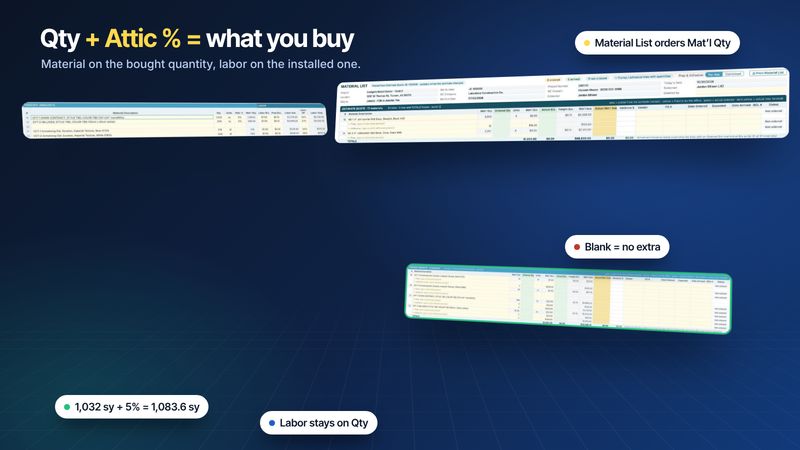
Installer labor pay on net areasPay labor on what is installed, buy material on what is carried to the site.
Waste and attic stockAttic % turns the takeoff Qty into the Mat’l Qty you buy, order and price.
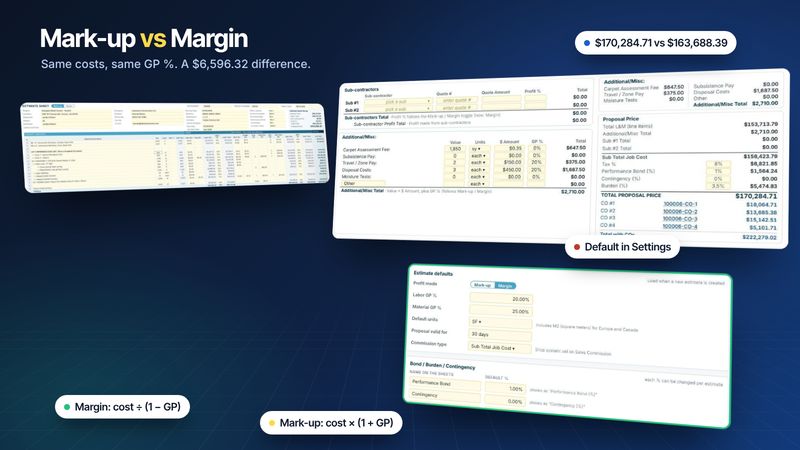
Markup or marginOne switch decides how GP turns cost into price. See what it does to a $170k bid.
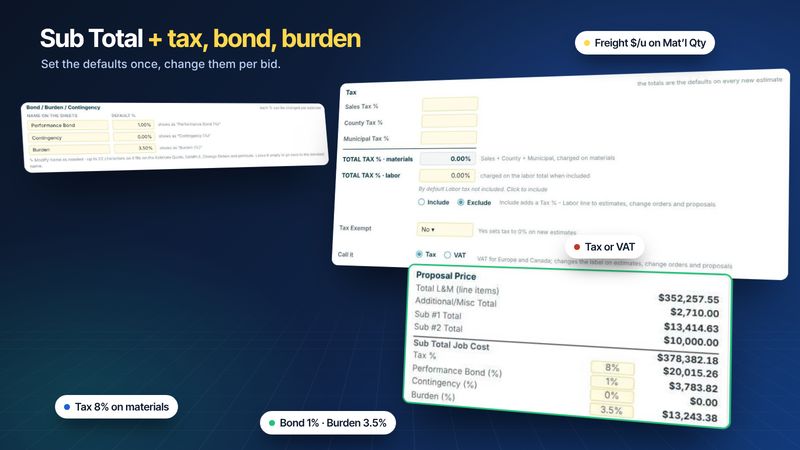
Freight, tax, bond and burdenFreight per unit on each line; tax, bond, contingency and burden on the proposal price.
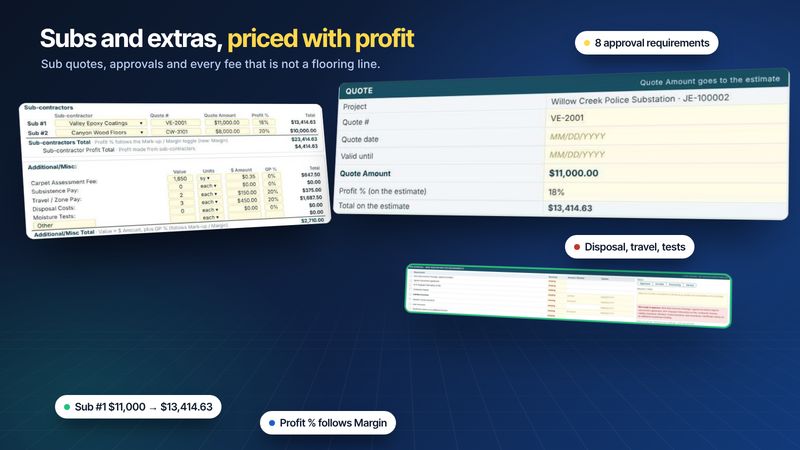
Subcontractors and additional costsSub quotes with their own profit %, sub approval, and disposal, travel and test fees.
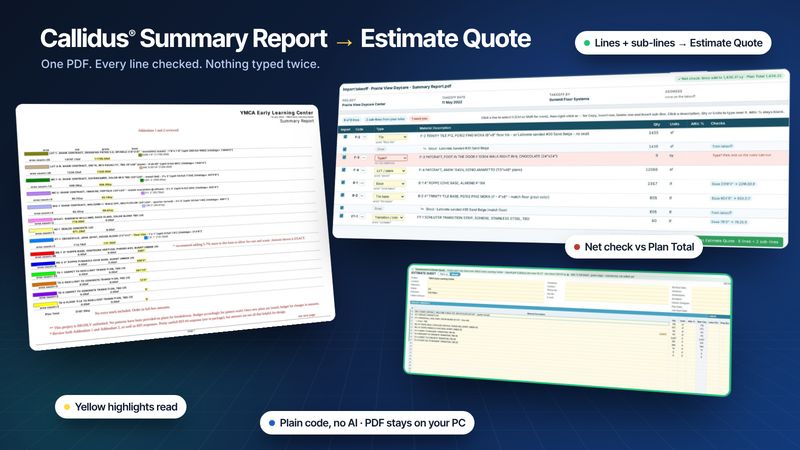
Import a Callidus Summary ReportDrop the PDF in, review the typed lines and checks, and transfer them to the Estimate Quote.
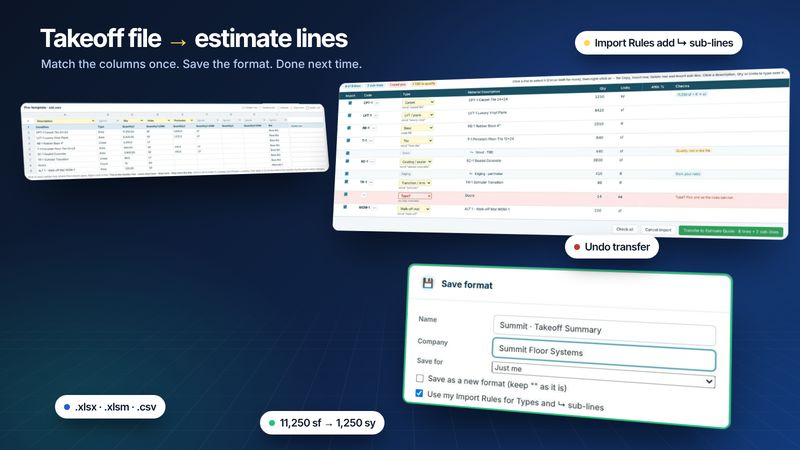
Import an Excel or CSV takeoffMatch the columns once, check the preview, transfer the lines and save the format for next time.
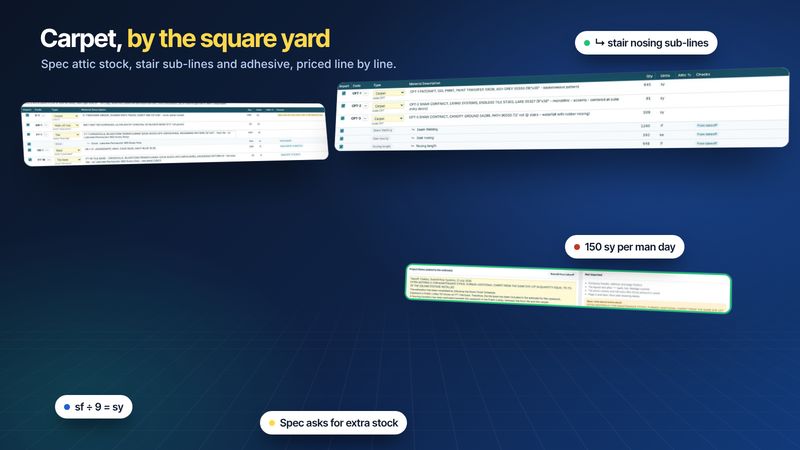
Carpet tile and broadloomSquare yards, spec attic stock, stair nosing sub-lines, adhesive and man days for carpet.
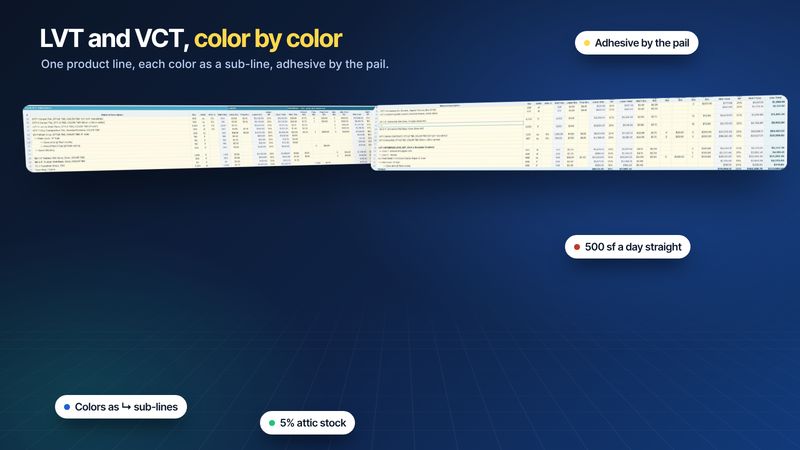
LVT, LVP and VCTColors as sub-lines, attic stock, adhesive by the pail, and crew days for LVT and VCT.
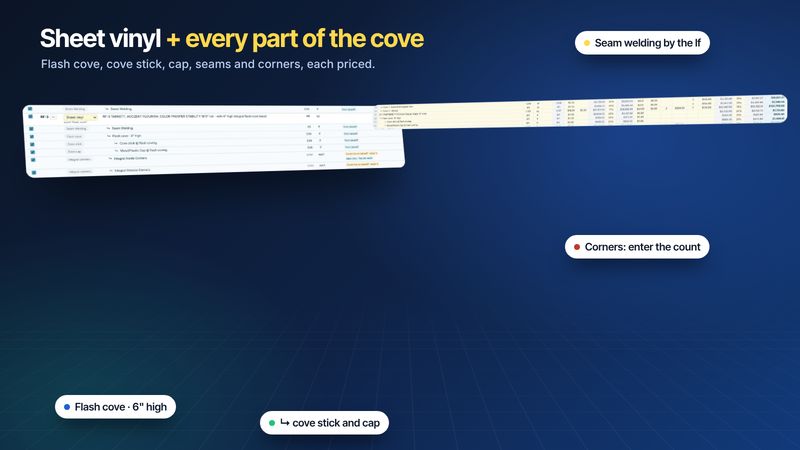
Sheet vinyl, flash cove and rubberFlash cove, cove stick, cap, seam welding and corners as sub-lines; rubber sheet and tile.
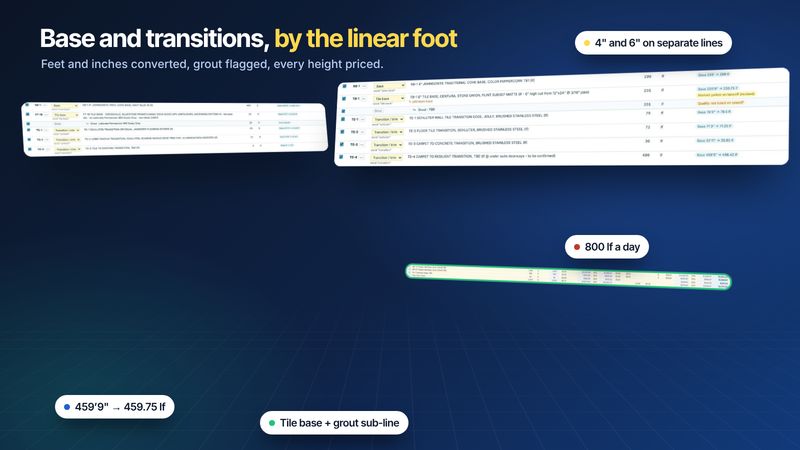
Wall base and transitionsRubber base, tile base and transitions in linear feet, with grout sub-lines and crew days.
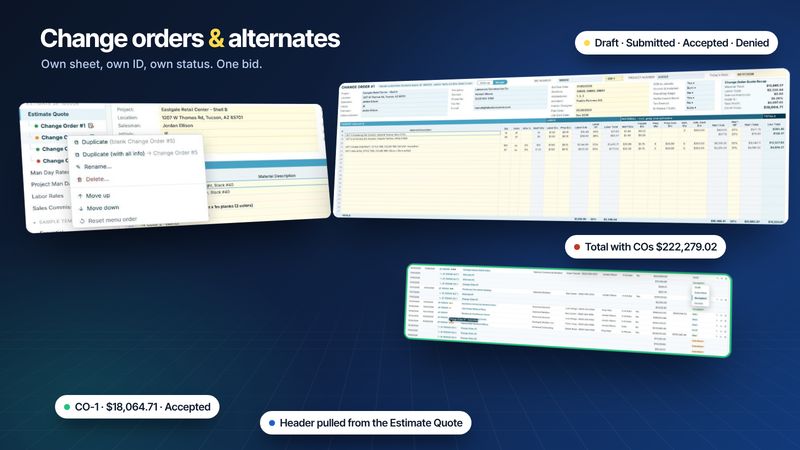
Change orders and alternatesOwn sheet, own ID and status for each one, rolled into the total with COs.
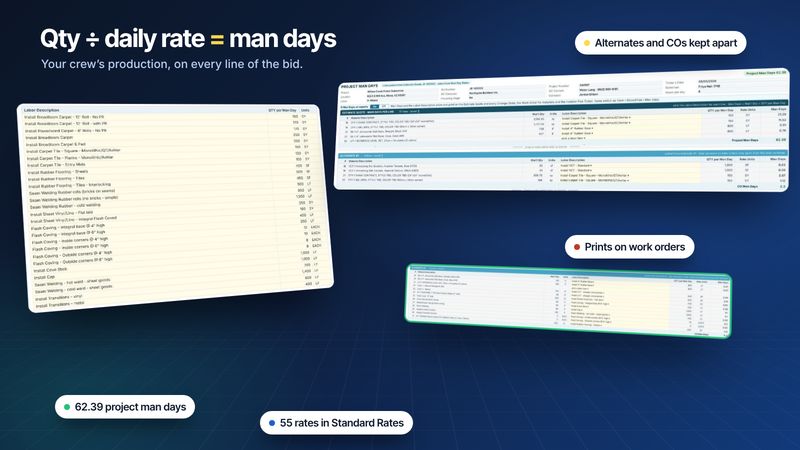
Man days from installation ratesPick a labor item per line; Mat’l Qty ÷ daily production gives the crew days.
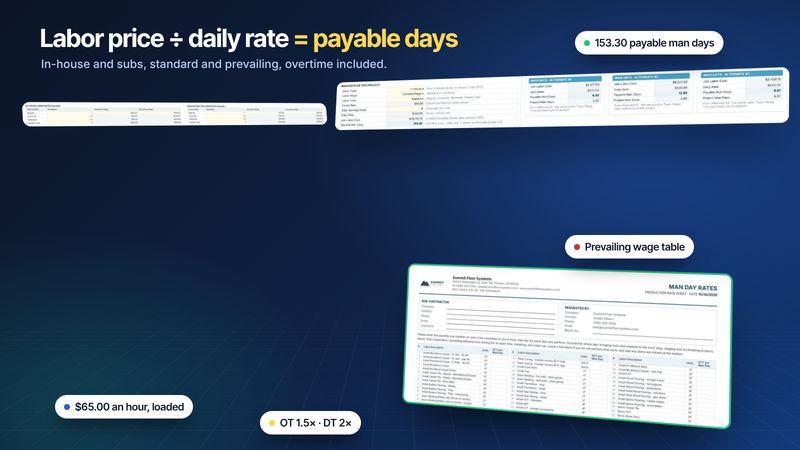
Labor rates and overtimeLoaded hourly rates, overtime and prevailing wage, and the man days your labor price pays for.
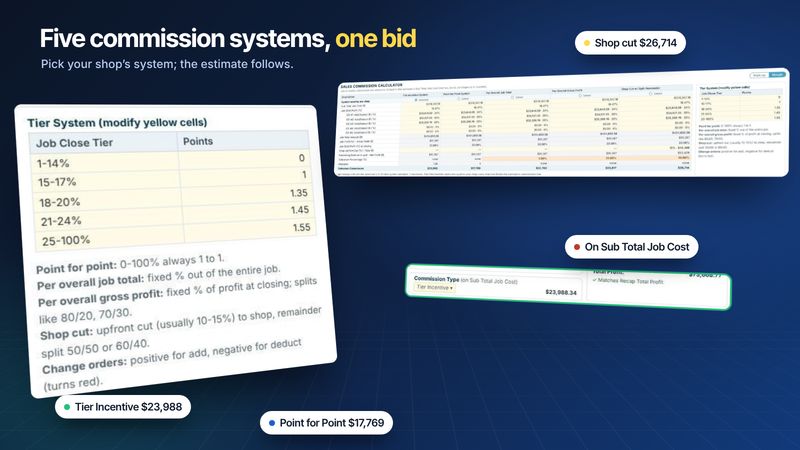
Sales commissionTier incentive, point for point, job total, gross profit and shop cut, side by side.
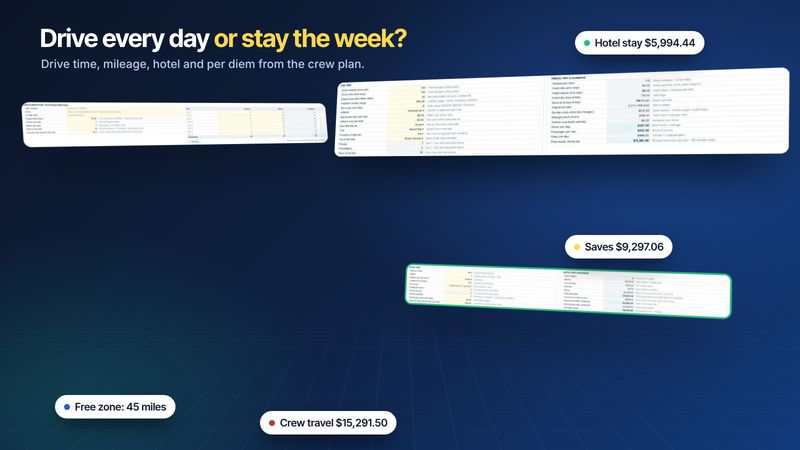
Travel and subsistenceDrive time past the free zone, mileage, hotel and per diem, worked out from the crew plan.
Proposals and field paperwork
Turn the estimate into proposals, RFIs, orders and installer paperwork.
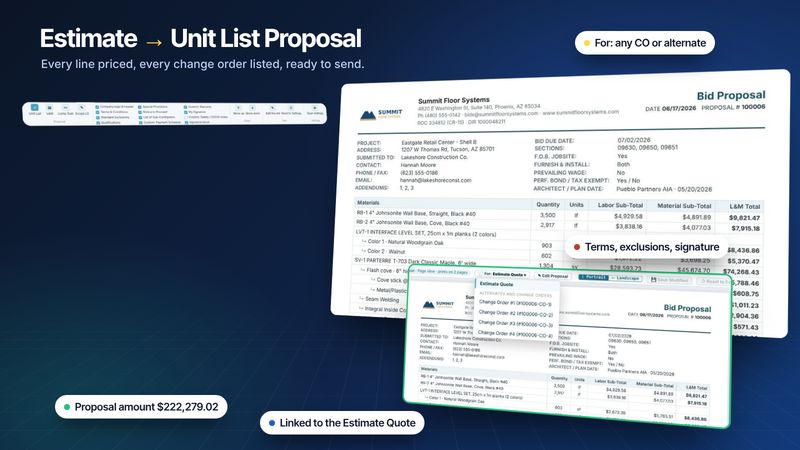
Unit list proposalsEvery line with quantity, labor, material and L&M total, built from the estimate.
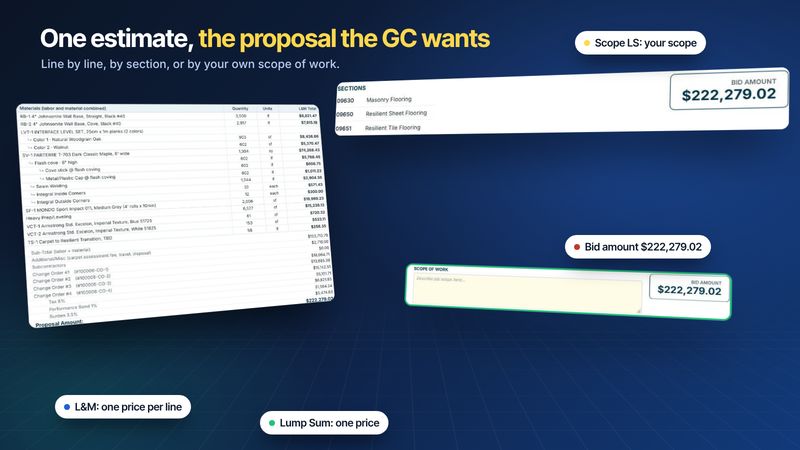
L&M and lump sum proposalsOne price per line, one price by section, or one price with your own scope of work.
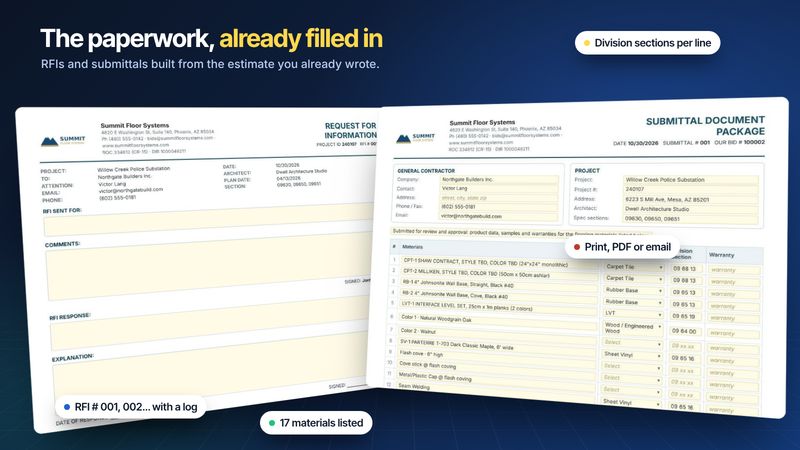
RFI and submittal sheetsNumbered RFIs with a log, and a submittal package that lists every material from the estimate.
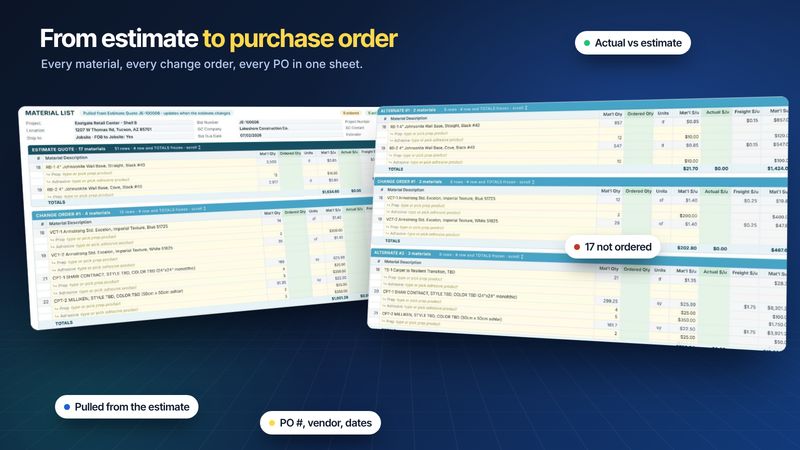
Material List and orderingQuantities from the estimate; ordered qty, actual cost, vendor, PO, dates and status by the office.
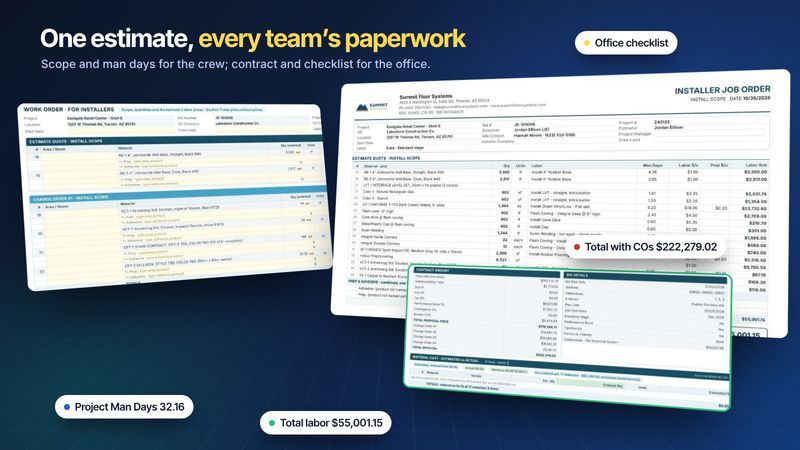
Installer and office work ordersThe crew gets scope, labor and man days; the office gets the contract, a checklist and cost tracking.
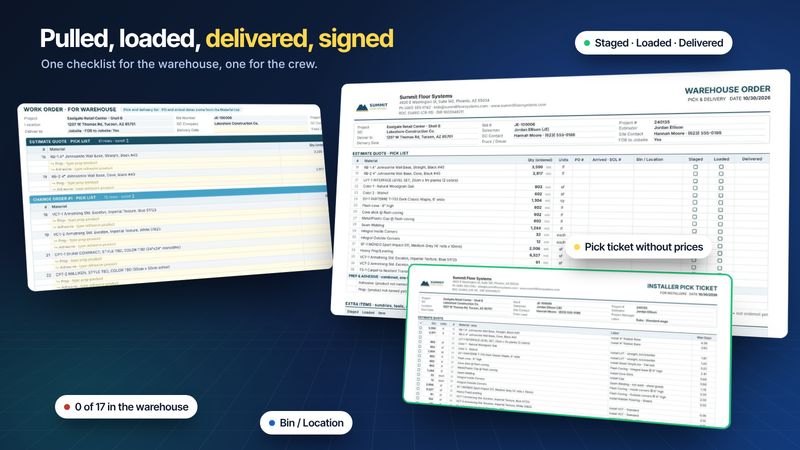
Warehouse order and pick ticketBins, staged, loaded and delivered for the warehouse; a priceless checklist for the crew.
Tracking and reports
Follow every bid to won or lost, and print or send any sheet.
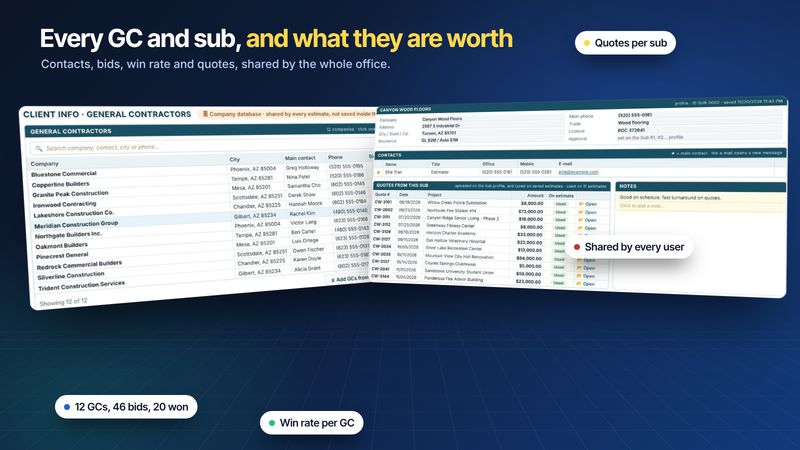
GC and subcontractor databaseEvery GC with its contacts, bids and win rate; every sub with its quotes; shared by the team.
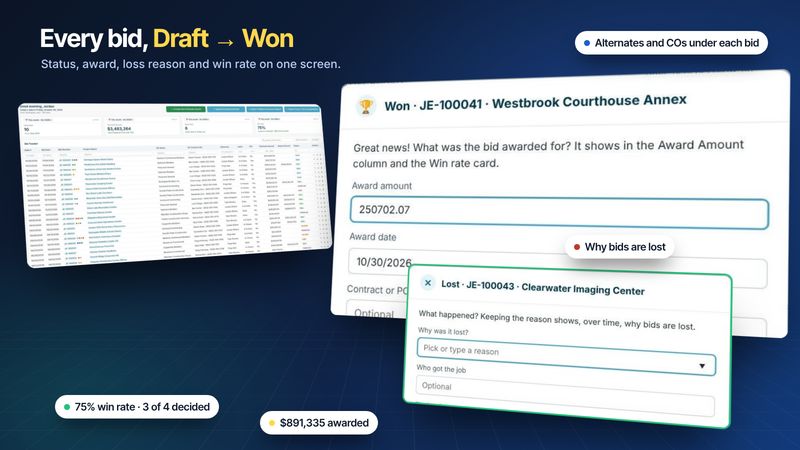
Bid tracker and win rateStatuses, won and lost details, alternates and change orders, and the four KPI boxes.
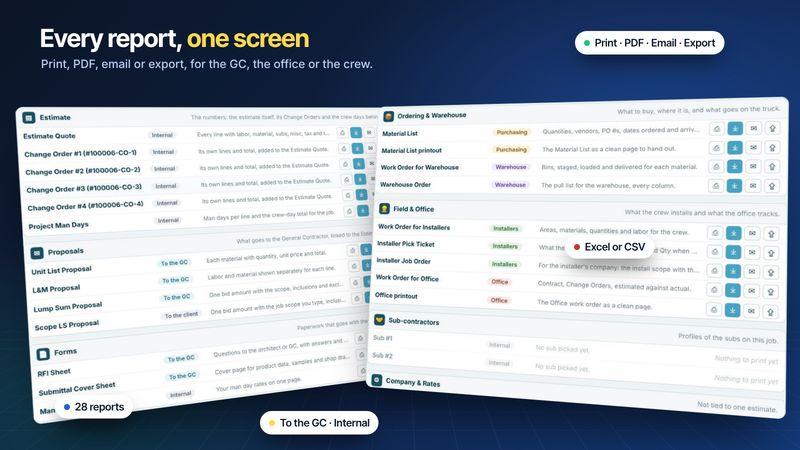
Reports tab and printoutsAll 28 reports for a job on one screen, each with print, PDF, email and export.
Follow along in your own copy
The 30-day free trial unlocks every feature in these guides. No credit card, Windows 64-bit.
Last updated: