
Flooring Waste Calculator for Commercial Bids
This flooring waste calculator turns a net installed area into the quantity to order. Enter the net area in square feet, square yards or square meters, choose a waste percentage for the material and layout, add any attic stock the specification requires, and enter carton or roll coverage. It returns the gross quantity, attic stock and cartons, rounded up.
Calculate your order quantity
Note: This calculator is for estimating very rough quantities only. Accurate takeoffs require the project drawings and specifications, measured and laid out area by area. Starting percentages are general rules of thumb.
How the calculation works
- Units: choose SF, SY or M2. Net area, coverage and all results use that unit, with the other two shown for reference.
- Gross quantity = net area × (1 + waste %).
- Attic stock = net area × attic stock %, kept as a separate line.
- Total to order = gross quantity + attic stock.
- Cartons or rolls = total ÷ coverage per carton, rounded up.
- Conversions: 1 SY = 9 SF; 1 m² = 10.764 SF.
Example: 2,400 SF of carpet tile at 6% waste is 2,544 SF. At 48 SF per carton, that is 53 cartons.
When a calculator is not enough
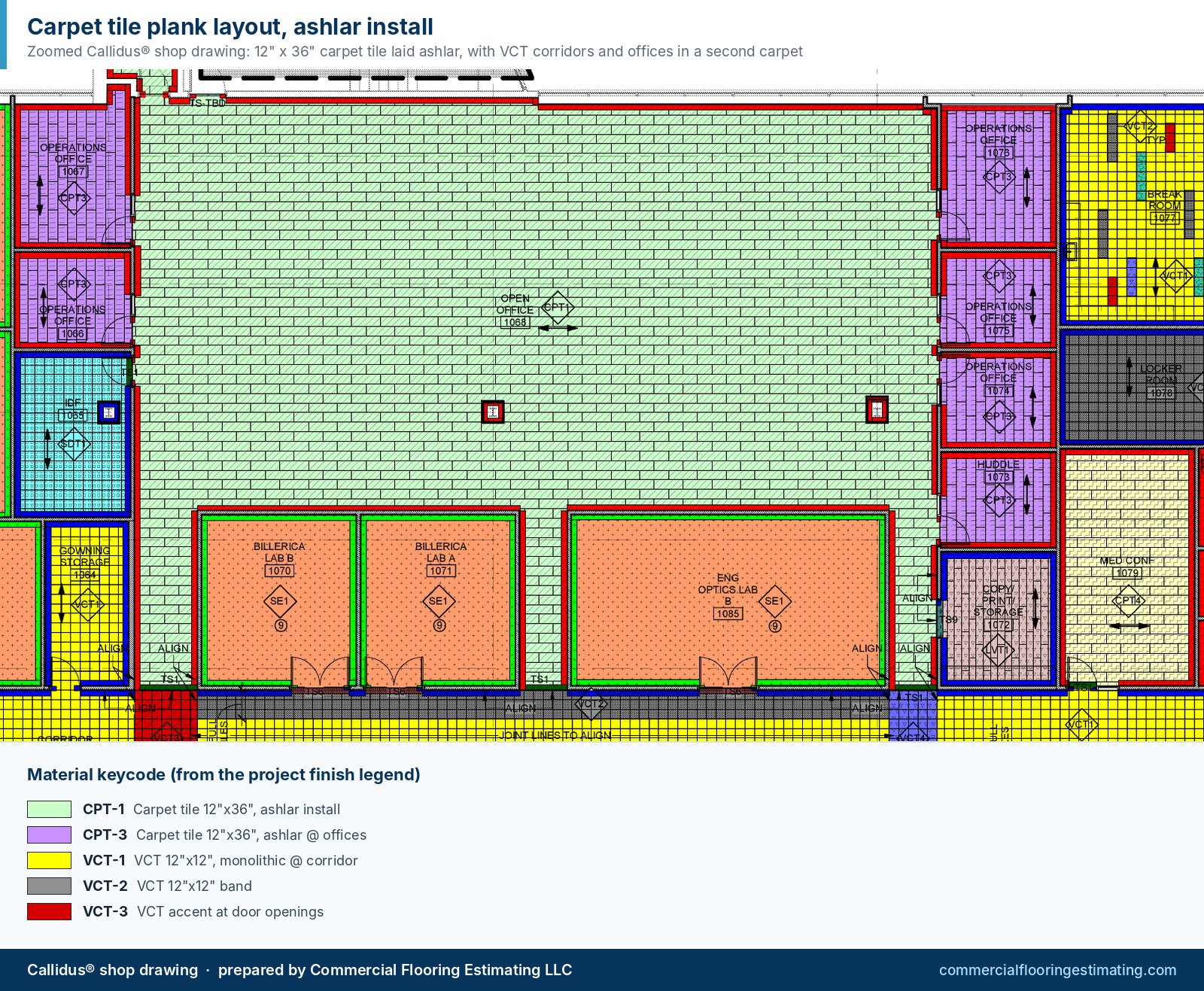
A percentage works for quick budgets. For a bid, the waste depends on each room's size and shape, the roll width or tile size, pattern repeats and seam rules. CFE lays out every area in Callidus® so the gross quantity reflects the real installation. Read the flooring waste factor guide for the reasoning behind each range.
Frequently Asked Questions
How do I calculate how much flooring to order?
Multiply the net area by one plus the waste percentage, add any attic stock, then divide by the carton or roll coverage and round up to whole units.
What waste percentage should I use?
It depends on the material and layout. Common starting points are about 5% for quarter-turn carpet tile or plain VCT, 7–10% for straight-lay LVT and broadloom, and 15% or more for herringbone.
Should attic stock be included in waste?
No. Attic stock is extra material for the owner and should be its own line, so it is visible and can be removed if the requirement changes.
Can I use this calculator for carpet tile cartons?
Yes. Enter the net area, pick the units, add a waste percentage for the installation method and enter the carton coverage from the product data. The result rounds up to whole cartons.
Can I use square meters or square yards?
Yes. Choose SF, SY or M2 in the Units field. The net area, carton coverage and results all use that unit, and the other two units are shown for reference.
Does the calculator replace a takeoff?
No. It applies a percentage to an area you already know. A takeoff measures each area and lays out the material to find the real gross quantity.
Need this takeoff done for your next bid?
Send your plans and specs. Most CFE takeoffs are completed within 24–48 business hours of receiving complete documents.

Written by
Cristian Valcu – Founder & CEO, Commercial Flooring Estimating LLC
Cristian Valcu is a U.S.-based commercial flooring estimator with over 20 years of experience estimating with Callidus software in the commercial flooring industry. He is an expert in reading and interpreting floor plans, specifications and project-related information, and in producing full takeoff reports with quality material takeoffs based on all available bid documents.
Last updated: