Tracking and reports
Follow every bid to won or lost, print or send any sheet, and invoice won jobs in QuickBooks Online. 16 step-by-step guides, each with a narrated video walkthrough, real screenshots from a filled-in sample job and the numbers worked through.
- Guide 32
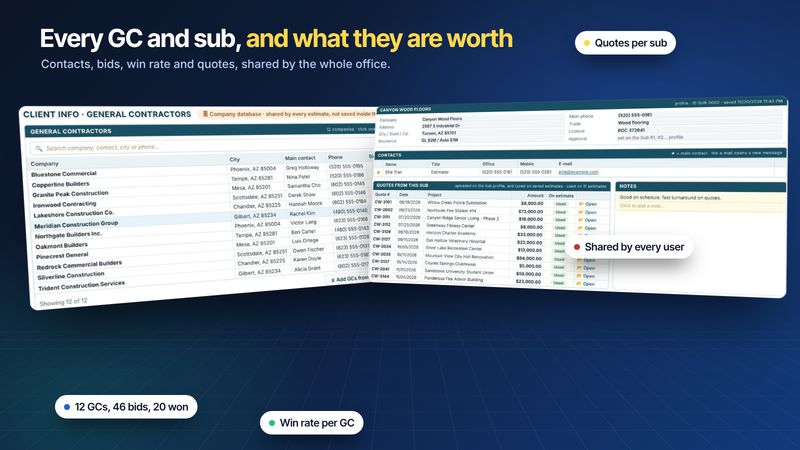
GC and subcontractor databaseEvery GC with its contacts, bids and win rate; every sub with its quotes; shared by the team.
- Guide 33
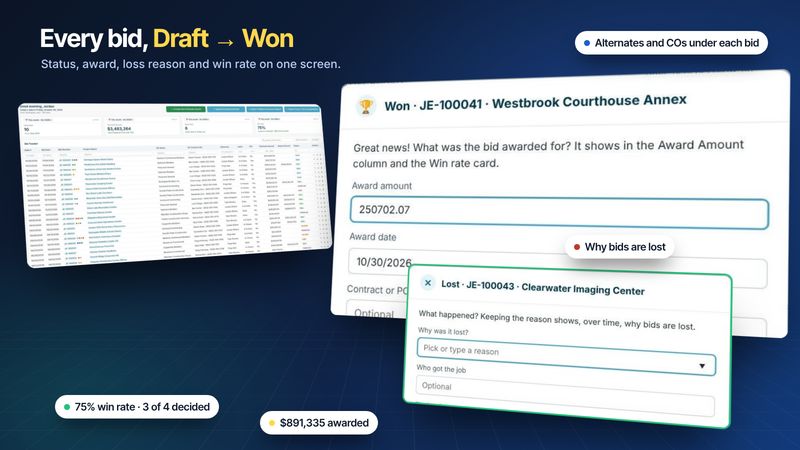
Bid tracker and win rateStatuses, won and lost details, alternates and change orders, and the four KPI boxes.
- Guide 34
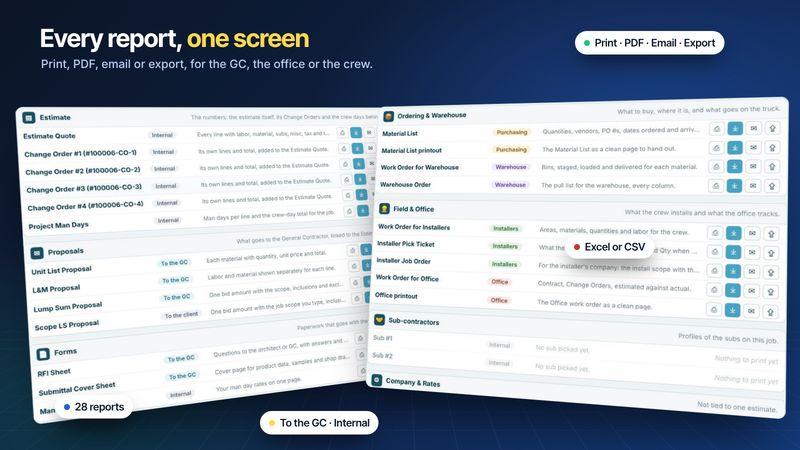
Reports tab and printoutsAll 28 reports for a job on one screen, each with print, PDF, email and export.
- Guide 35
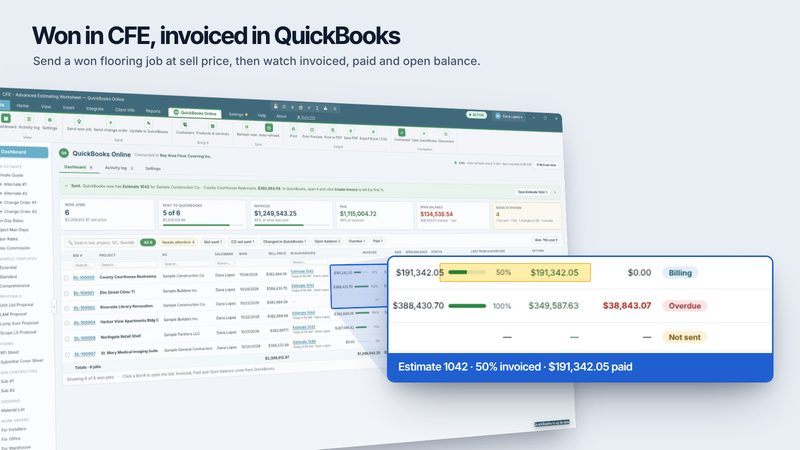
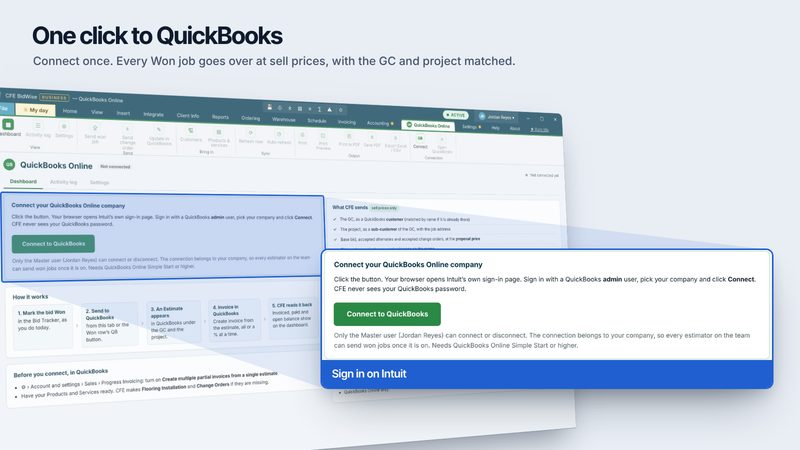
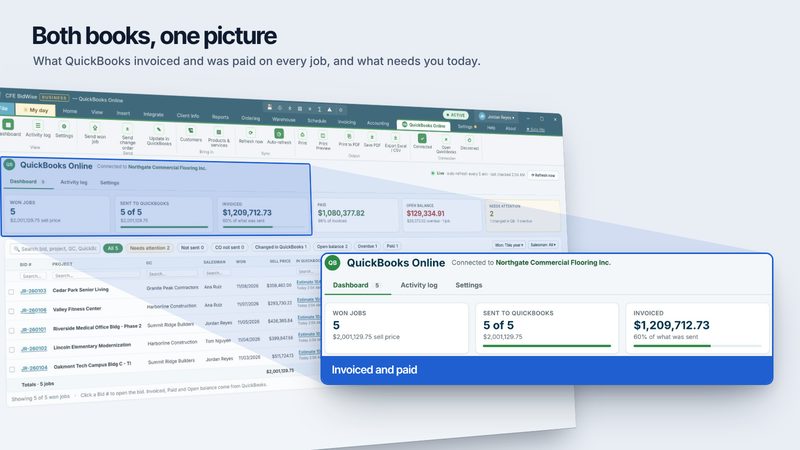
QuickBooks Online invoicingSend won jobs at sell price, invoice in QuickBooks, and see invoiced, paid and open balance.
- Guide 64
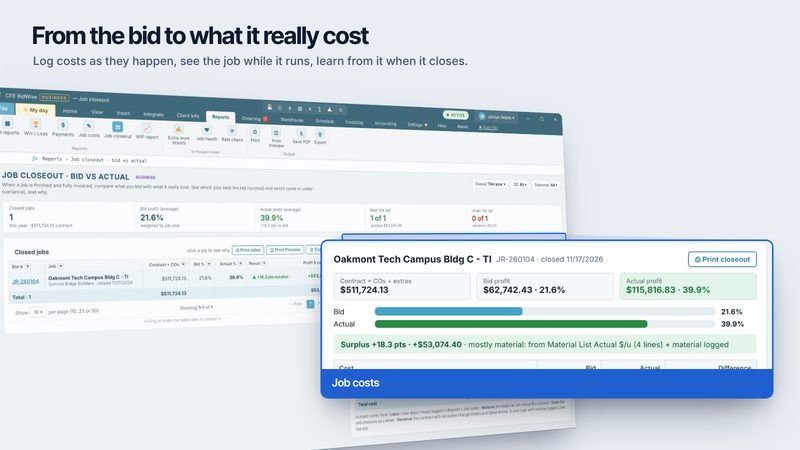
Job costs, WIP and closeoutLog real costs, print the WIP report, watch job health, and see bid vs actual at closeout.
- Guide 68
Connect QuickBooks OnlineConnect once, pick the settings, send a Won job at sell prices only.
- Guide 69
QuickBooks sync day to dayInvoiced, paid and overdue on every job; bills out and payments back.
- Guide 84
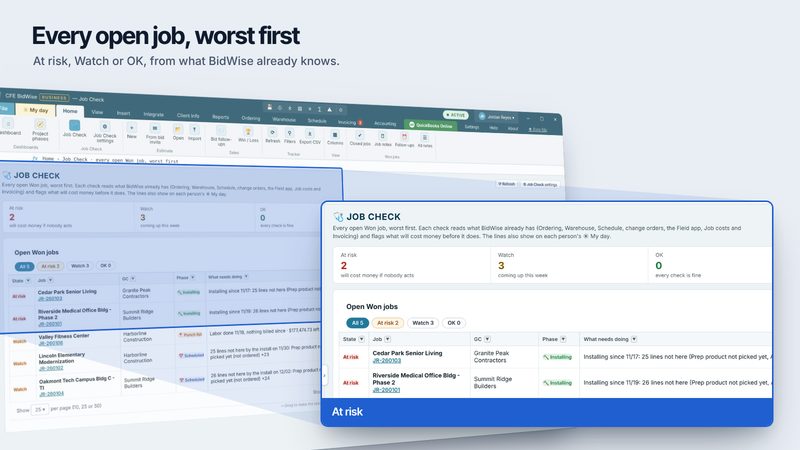
Job CheckEvery open Won job, worst first: At risk, Watch or OK, who acts and by when.
- Guide 85
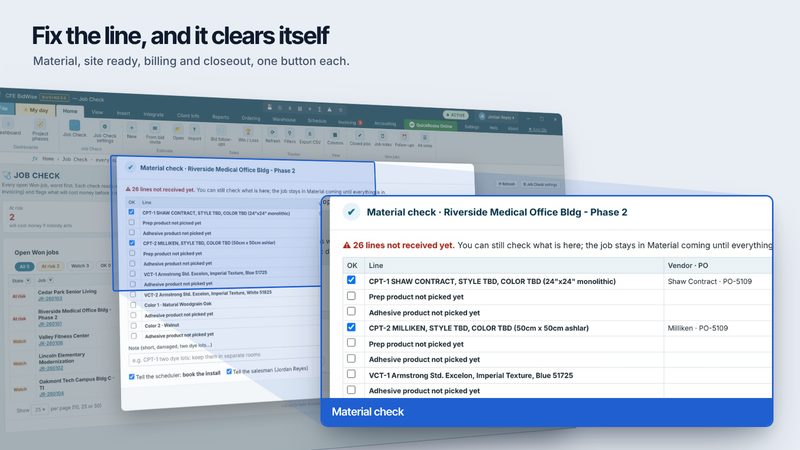
Fix a Job Check lineMaterial check, site ready with the GC, bill finished labor, and closeout papers.
- Guide 86
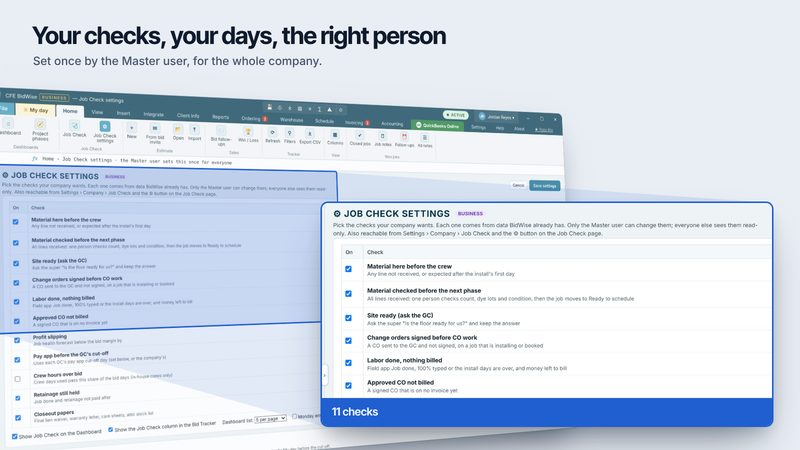
Job Check settingsTurn checks on or off, set the days, pick who gets each one, GC pay app cut-offs.
- Guide 87
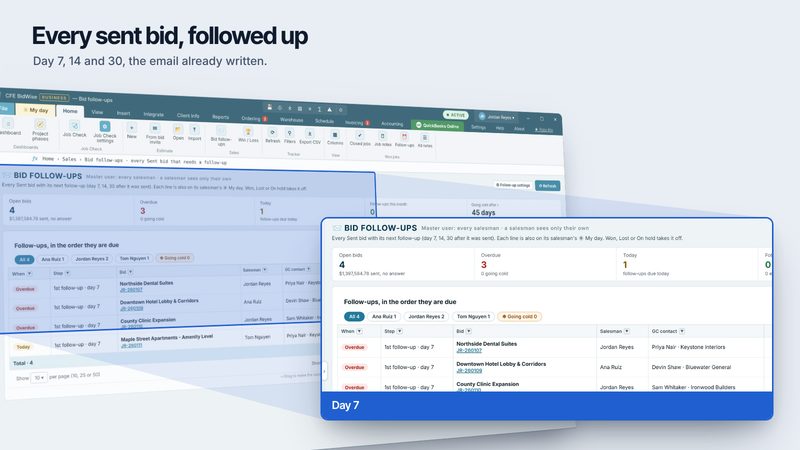
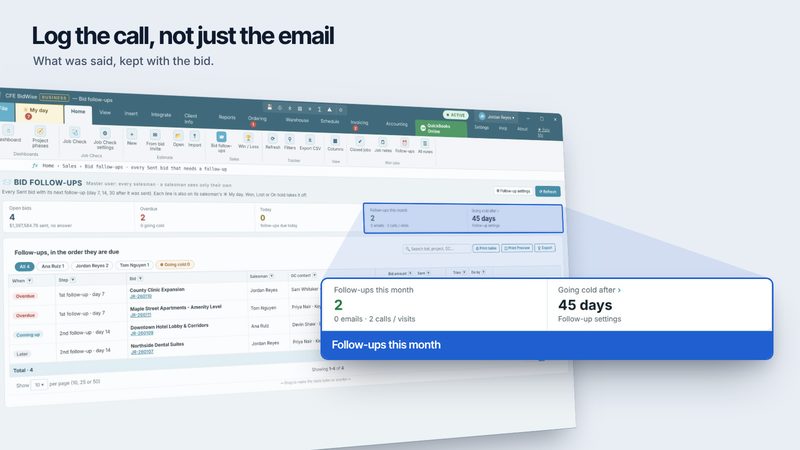
Bid follow-upsEvery Sent bid with its next follow-up on day 7, 14 and 30, the email ready to send.
- Guide 94
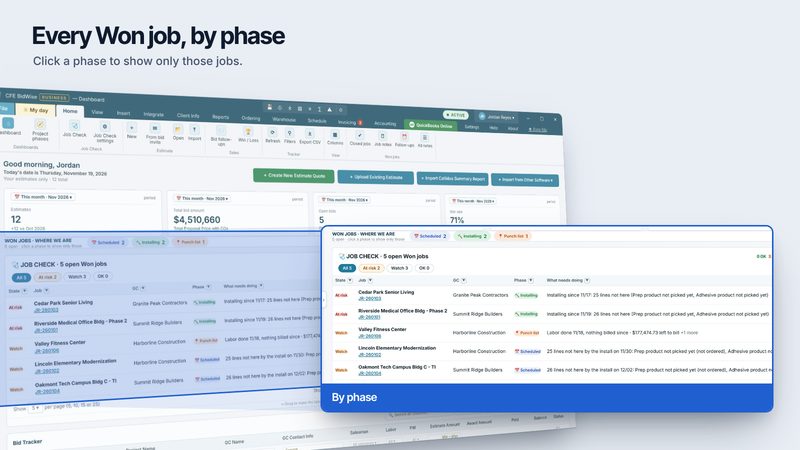
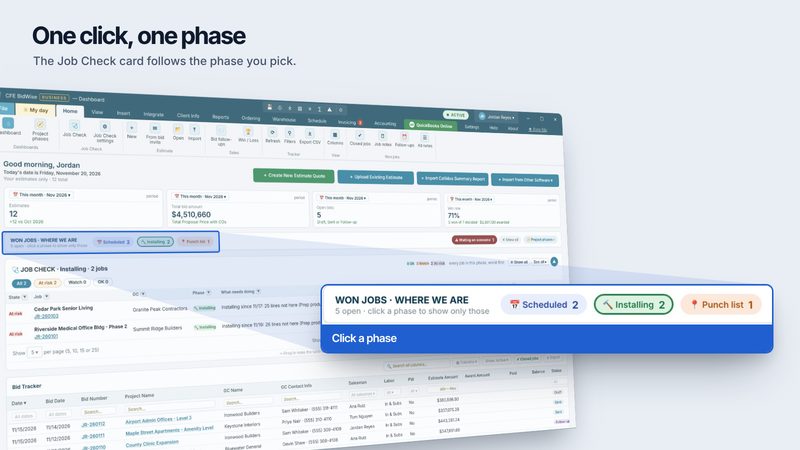
Won jobs barEvery open Won job counted by phase on the Dashboard; click a phase to show only those.
- Guide 95
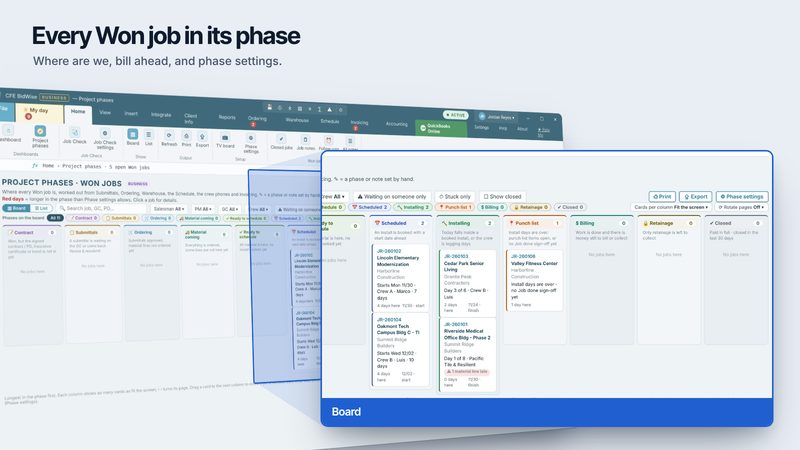
Project phasesThe phases board, Where are we?, move a job and bill ahead, and phase settings.
- Guide 107
Filter Job Check by phaseClick Installing, and Job Check shows only those jobs, worst first.
- Guide 108
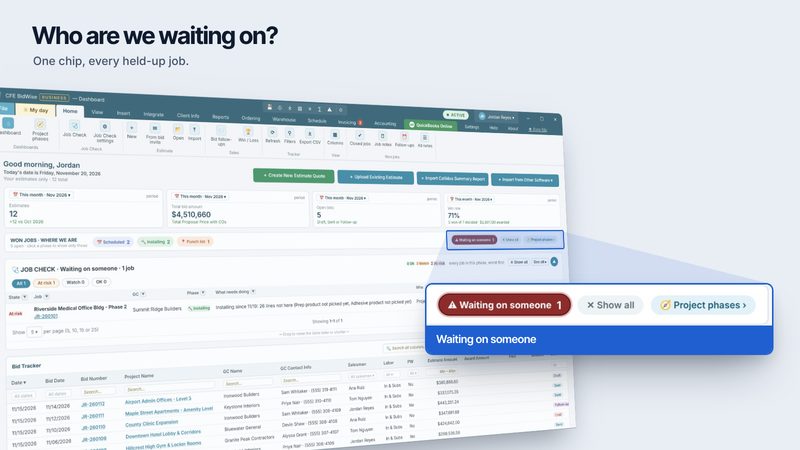
Waiting on someoneThe held-up jobs in one click, and a card that folds to one line.
- Guide 109
Log follow-up callsA call or a visit logged with what was said, and counted this month.
Follow along in your own copy
The 30-day free trial unlocks every feature in these guides. No credit card, Windows 64-bit.
Last updated: