Getting started
Install, set up your company and team, and know what the trial includes. 12 step-by-step guides, each with a narrated video walkthrough, real screenshots from a filled-in sample job and the numbers worked through.
- Guide 1
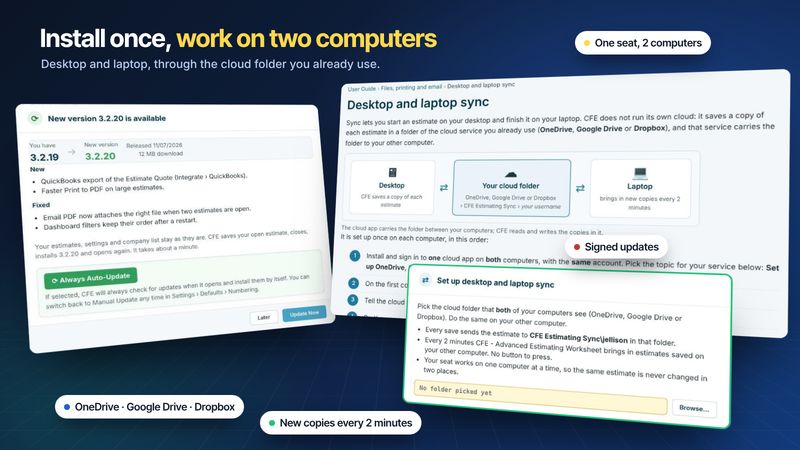
Install and sync two computersDownload, sign in, turn on desktop and laptop sync, and choose how updates install.
- Guide 2
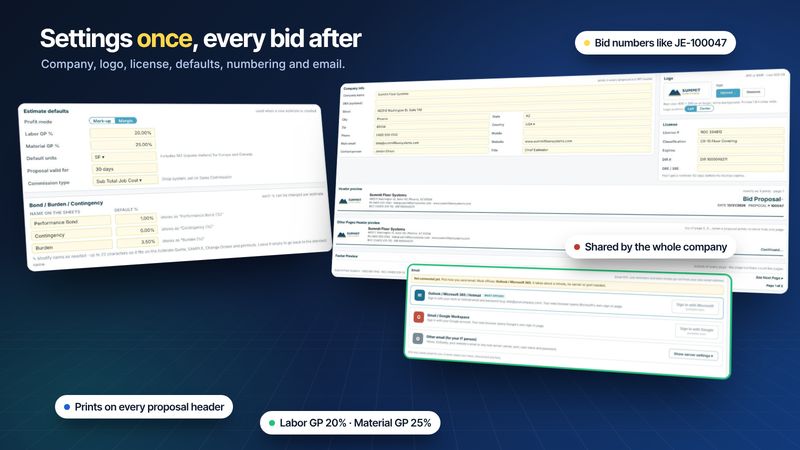
Company settingsCompany info, logo, license, default GP, bond, burden, tax, numbering and email.
- Guide 3
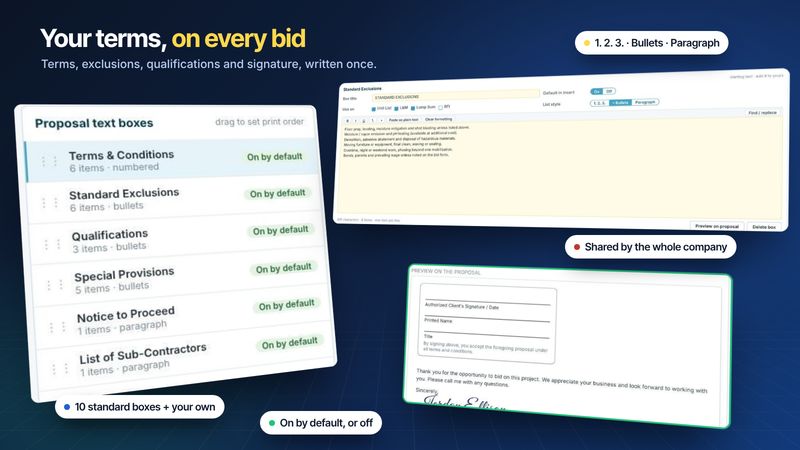
Proposal terms and exclusionsWrite terms, exclusions, qualifications, warranty and your signature once; every proposal uses them.
- Guide 4
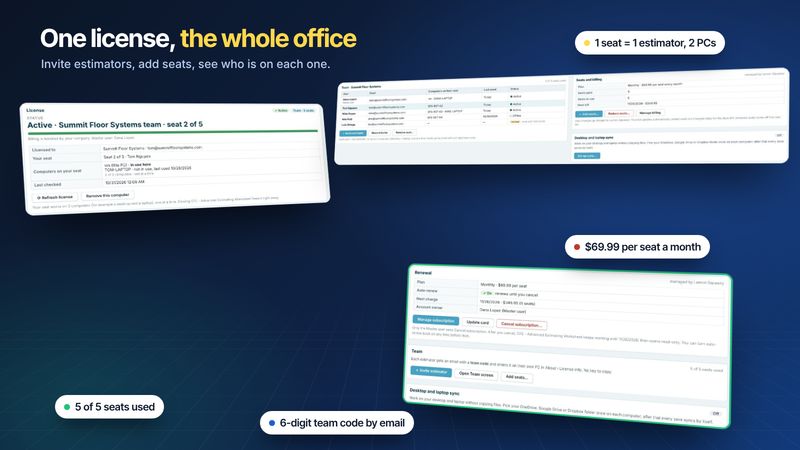
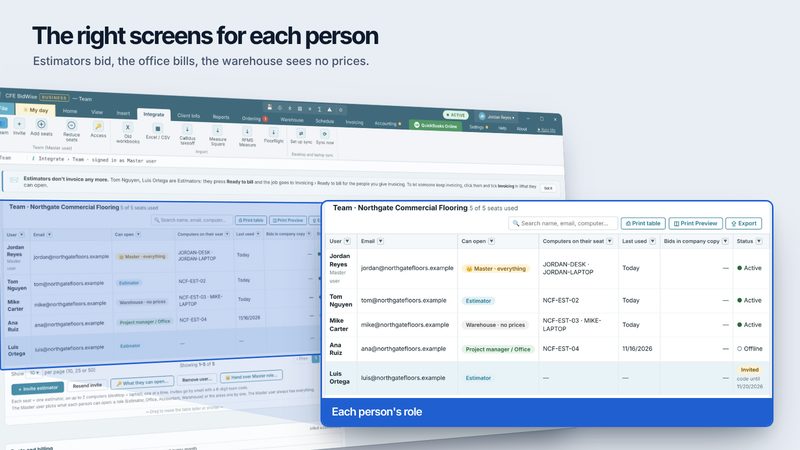
Team members and seatsInvite estimators with a team code, add or reduce seats, and see who is on each seat.
- Guide 5
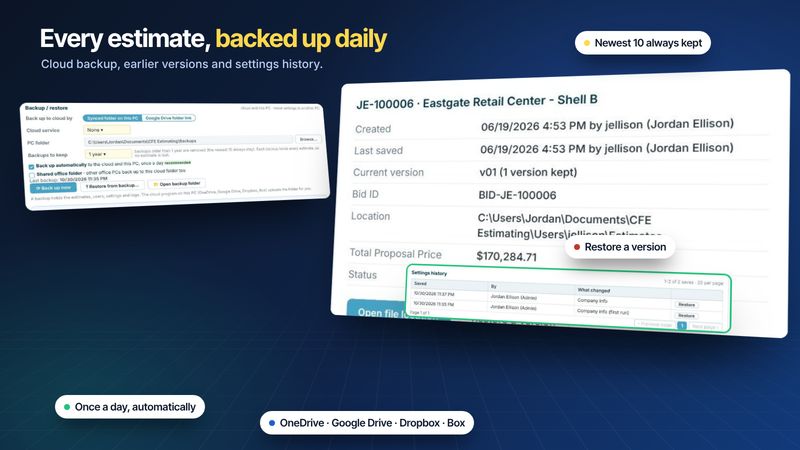
Backup, restore and version historyDaily cloud backup, restore from a backup, earlier estimate versions and settings history.
- Guide 6
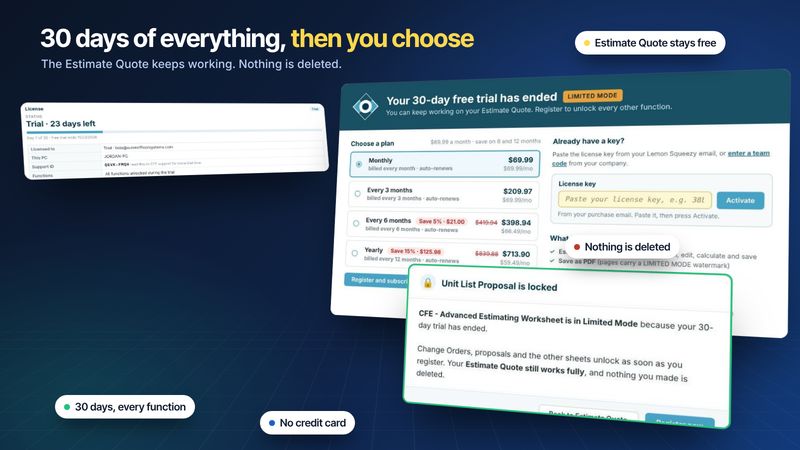
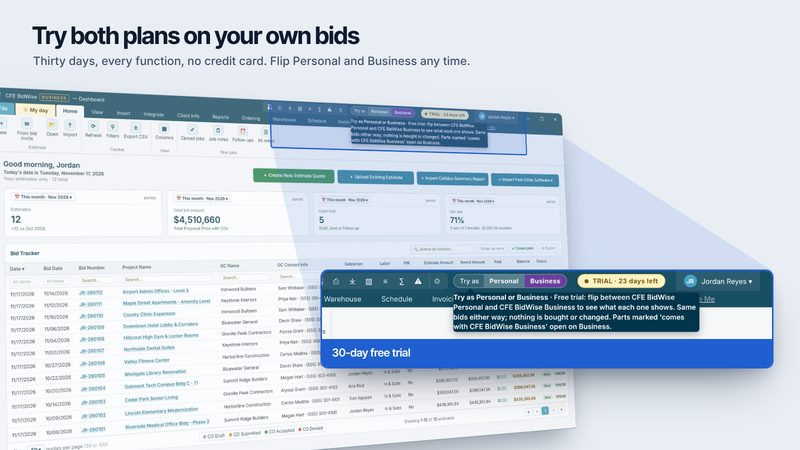
Free trial vs Limited ModeEvery feature for 30 days; after that the Estimate Quote keeps working and nothing is deleted.
- Guide 36
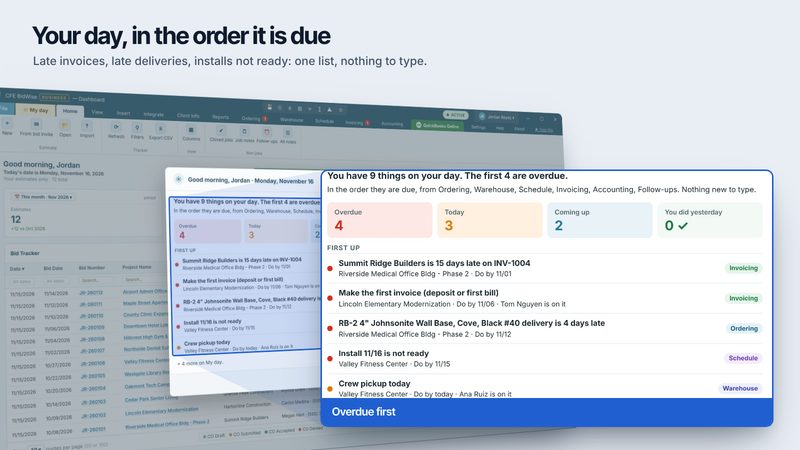
My dayOne list of what needs you today, from every tab, in the order it is due.
- Guide 46
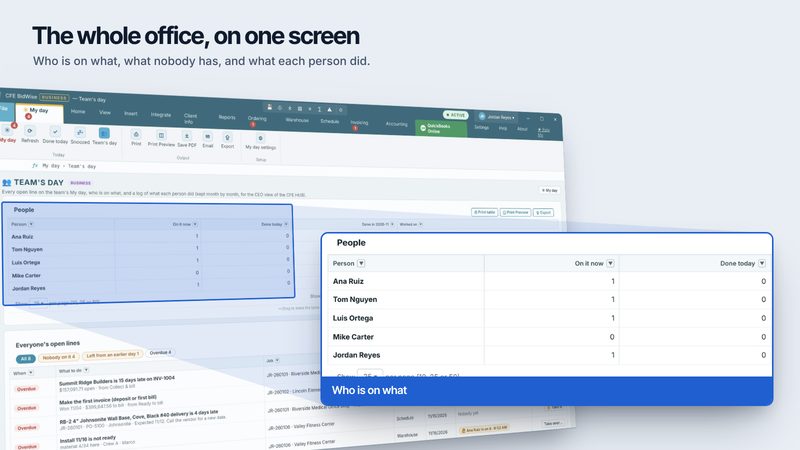
Team's day: take over and hand offSee who is on each line, take over what a teammate left, and hand work to the right person.
- Guide 55
Team rolesEstimator, Office, Accountant or Warehouse with no prices: each person sees only the areas they need.
- Guide 56
Free trial: Personal vs BusinessThirty days, every function. Flip Personal and Business on the same bids, then pick a plan.
- Guide 57
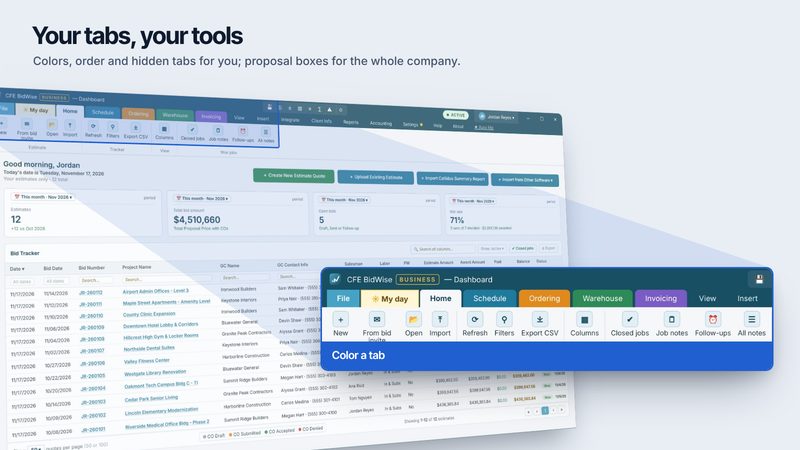
Tabs, quick bar and custom boxesColor and order your tabs, hide what you skip, pick your tools, add your own proposal boxes.
- Guide 65
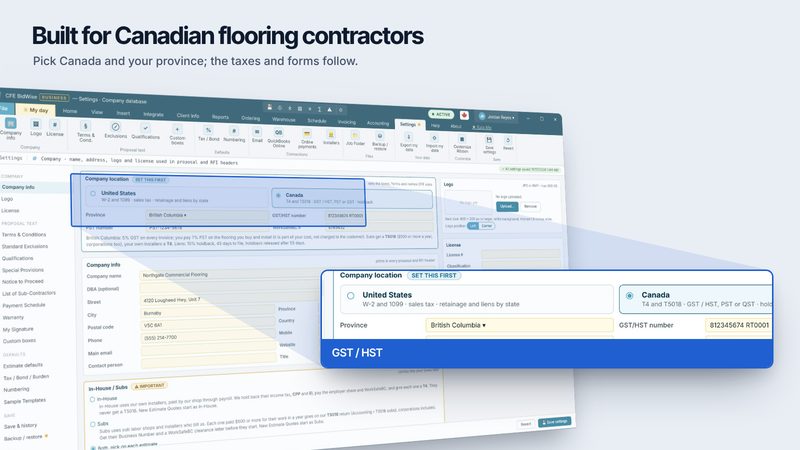
Canadian company setupSwitch to Canada, pick your province, and the taxes, forms and holdback follow.
Follow along in your own copy
The 30-day free trial unlocks every feature in these guides. No credit card, Windows 64-bit.
Last updated: