Schedule and the field
Book installs, run your crews and put the job on the crew’s phone. 8 step-by-step guides, each with a narrated video walkthrough, real screenshots from a filled-in sample job and the numbers worked through.
- Guide 40
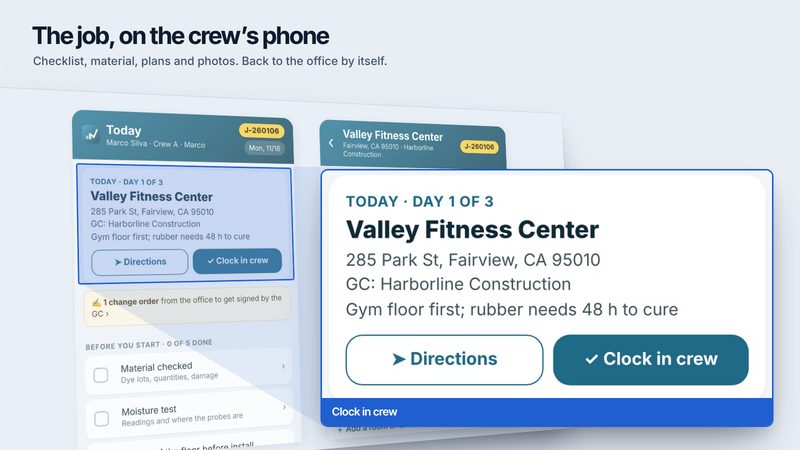
Field app: a day on the jobClock in, check material, test moisture, photo the floor and get the GC to sign off.
- Guide 41
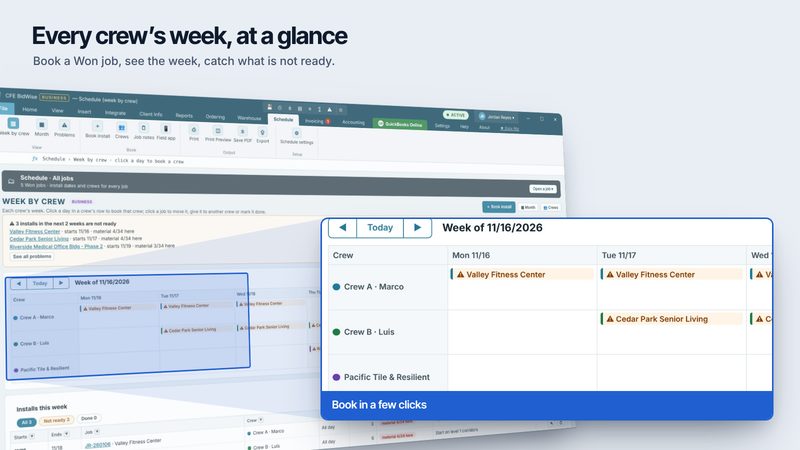
Book installs and schedule crewsBook a Won job on the calendar, see each crew’s week and what is not ready.
- Guide 47
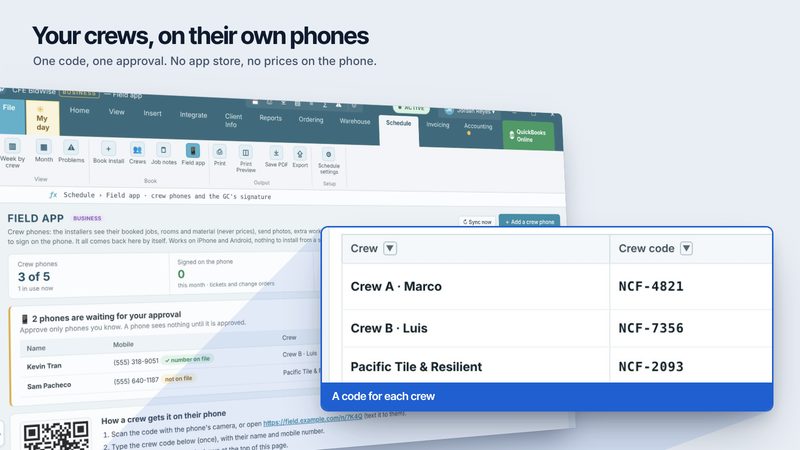
Field app: set up crew phonesAdd a crew phone, give the code, approve the phone and pick what comes back to the office.
- Guide 48
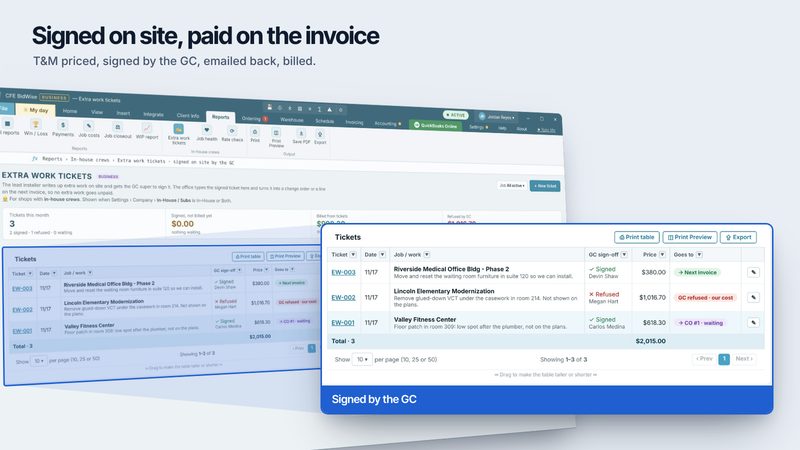
Extra work, change orders and GC sign-offThe crew writes it up, the GC signs on the phone, and the office turns it into a change order or the next invoice.
- Guide 88
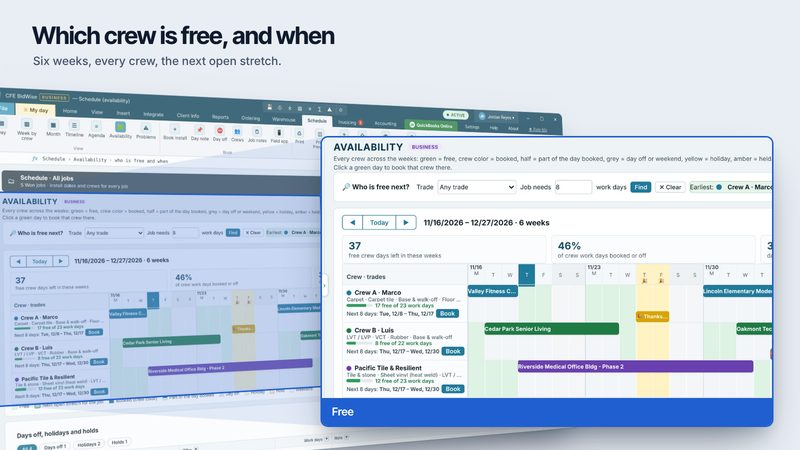
Who is free nextEvery crew across six weeks, and the next open stretch for a job of any length.
- Guide 89
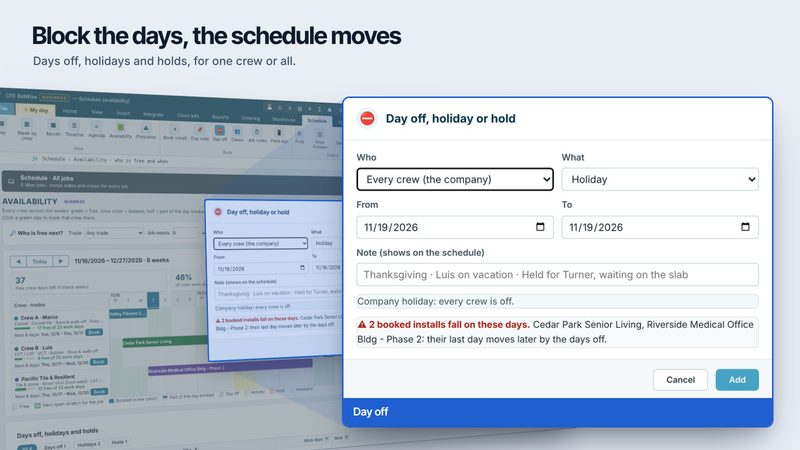
Days off and holidaysA crew’s day off, a company holiday or a hold, and which installs move.
- Guide 90
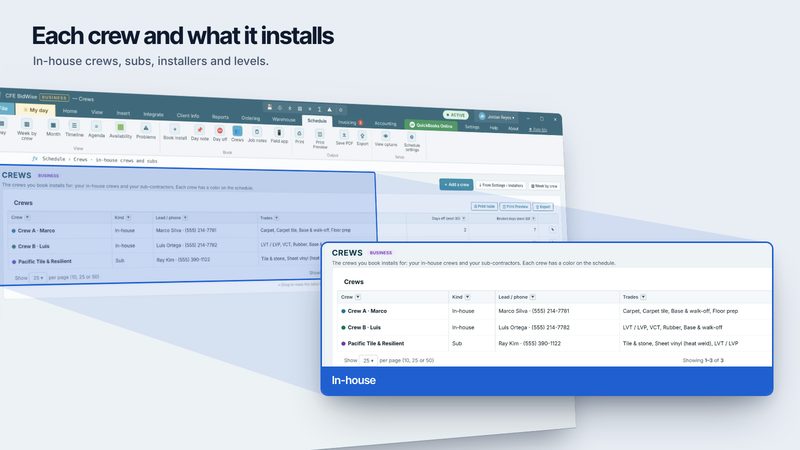
Crews and tradesIn-house crews and subs, the trades each installs, installers and their level.
- Guide 91
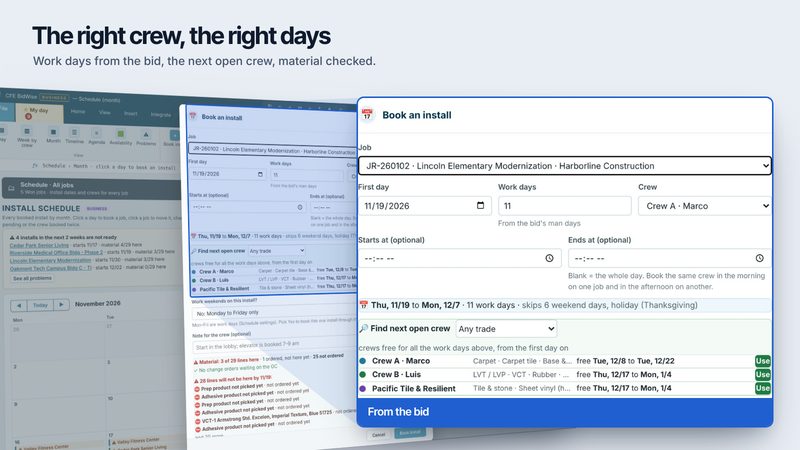
Book an installWork days from the bid, the next open crew, holidays skipped, material warnings.
Follow along in your own copy
The 30-day free trial unlocks every feature in these guides. No credit card, Windows 64-bit.
Last updated: