Warehouse
Receive, pull, stage and load every job, keep leftovers on the shelf and put the day on a warehouse TV. 10 step-by-step guides, each with a narrated video walkthrough, real screenshots from a filled-in sample job and the numbers worked through.
- Guide 58
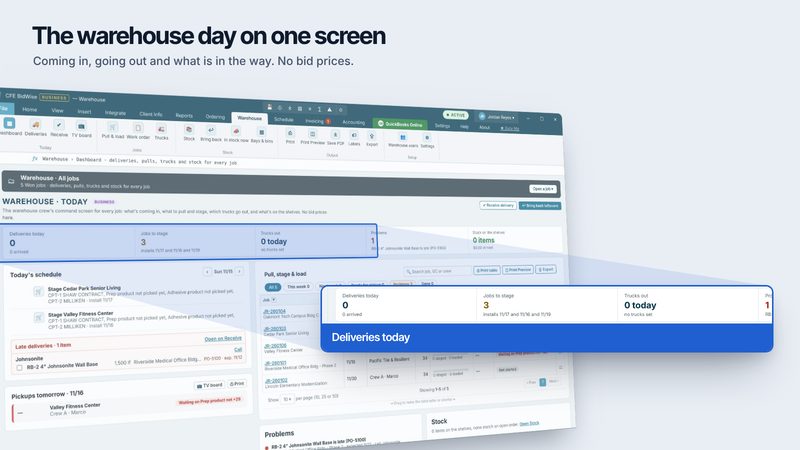
Warehouse todayWhat is coming in, what to pull and stage, which truck goes out, and what is late.
- Guide 59
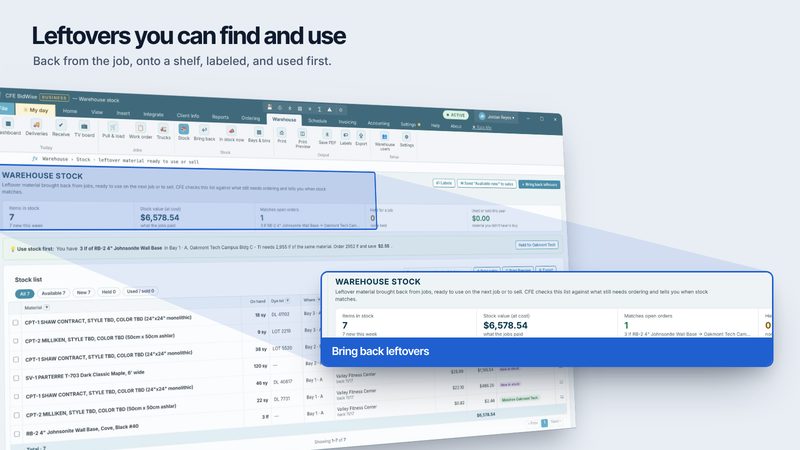
Leftover stock, bays, bins and labelsBring leftovers back, shelve and label them, and use them before you order more.
- Guide 60
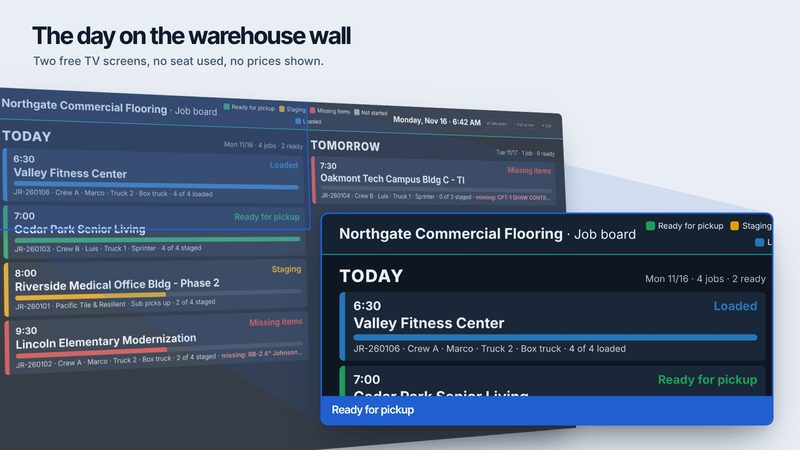
Warehouse TV boardsFree TV screens in the warehouse: today’s jobs, tomorrow’s jobs and the deliveries coming in.
- Guide 77
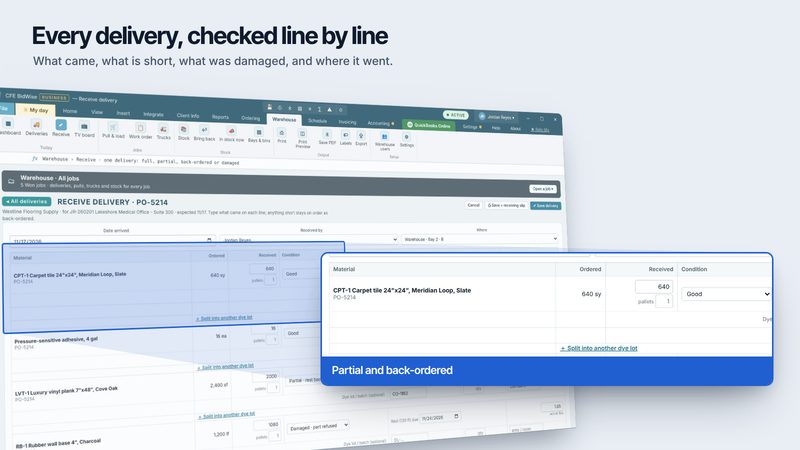
Check in deliveries against the POReceive a delivery against its PO: short, damaged, dye lots, bins, a receiving slip and job labels.
- Guide 78
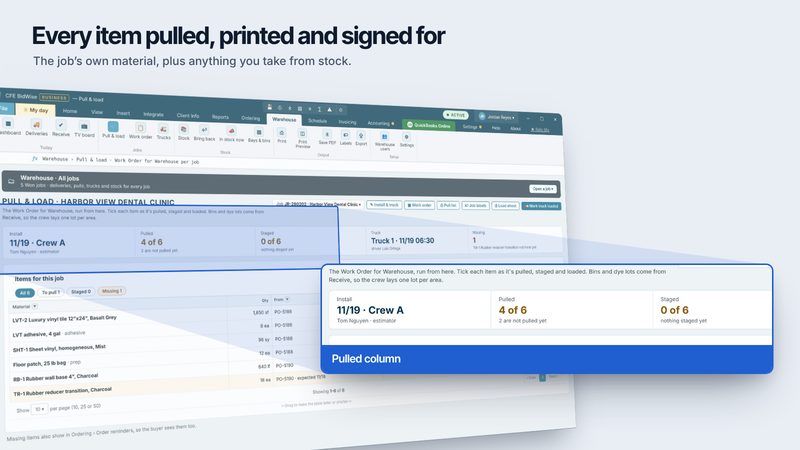
Check material outPull a job’s material, print the pull list, and use stock on a job with its cost.
- Guide 79
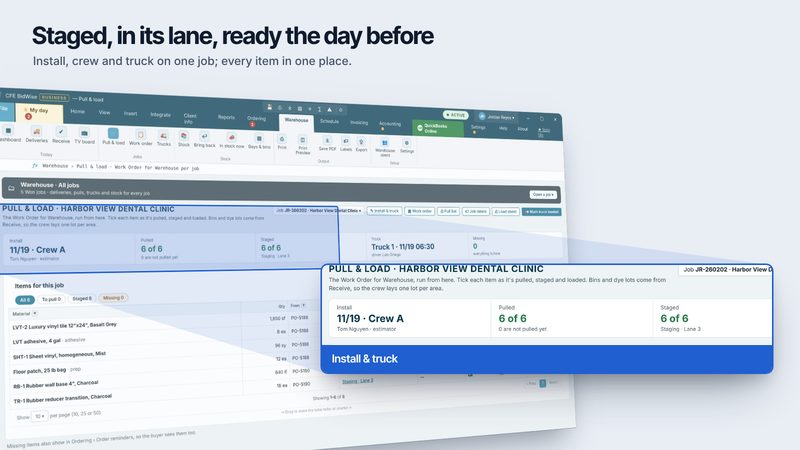
Stage a jobInstall, crew and truck, staging lanes, Staged ticks or phone scans, and Ready for pickup.
- Guide 80
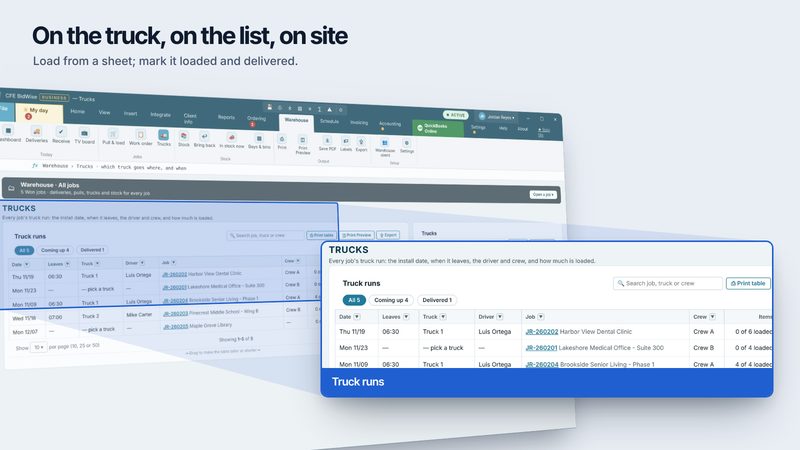
Load the truckTruck runs, the load sheet, Mark truck loaded and Mark delivered.
- Guide 81
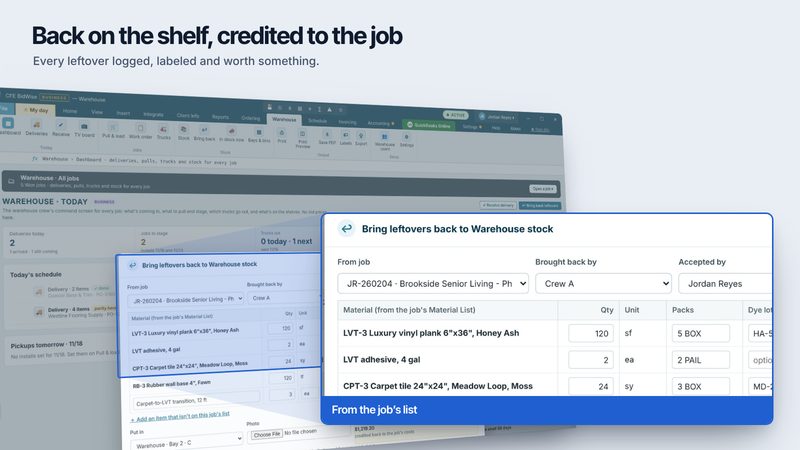
Bring back leftoversLog returns from a job, credit Job costs and put them on the Stock list.
- Guide 82
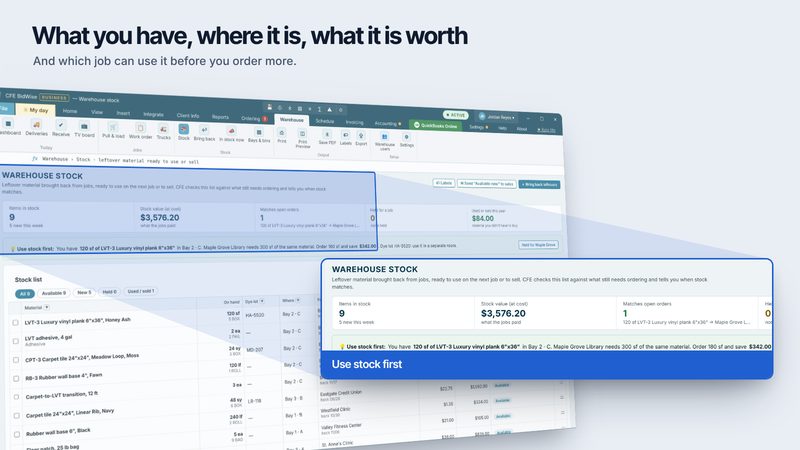
Your Stock ListOn hand, where, worth; Use stock first, hold, sell on a new bid, In stock now.
- Guide 83
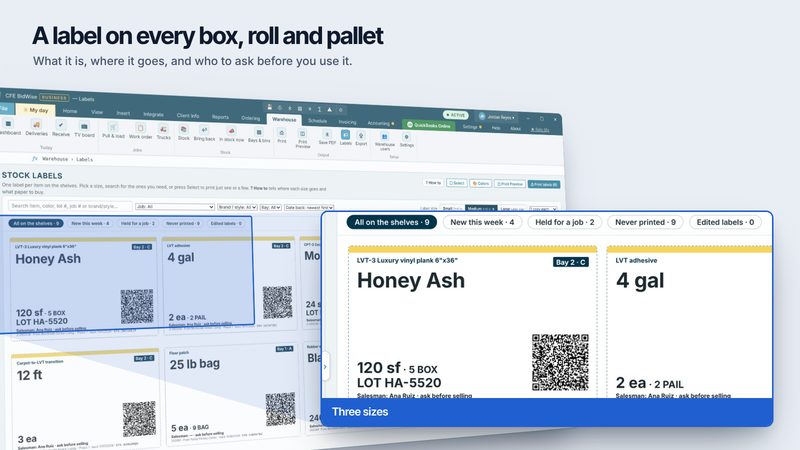
Stock labelsSmall, 4 x 6 or pallet sign labels with a QR code, salesman colors and job labels.
Follow along in your own copy
The 30-day free trial unlocks every feature in these guides. No credit card, Windows 64-bit.
Last updated: