Your data, backups and support
Move to a new PC, back up and restore, sync the team, keep your recovery key safe and get on-screen help from CFE. 6 step-by-step guides, each with a narrated video walkthrough, real screenshots from a filled-in sample job and the numbers worked through.
- Guide 67
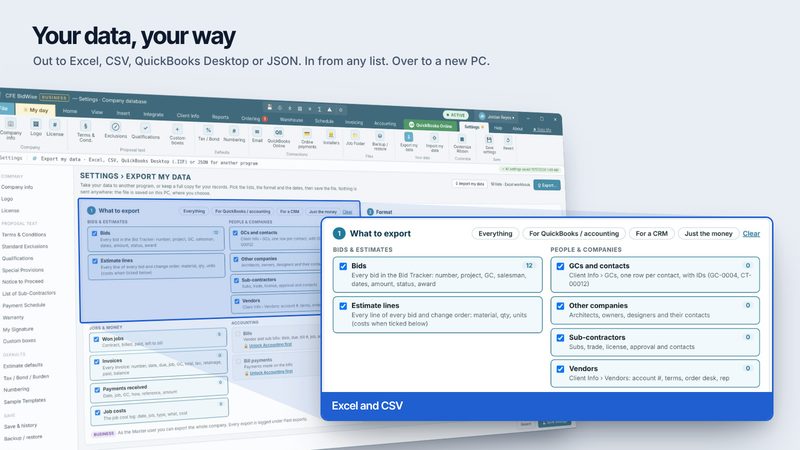
Export, import and moveExcel, CSV, IIF or JSON out; GCs, subs and vendors in; a full move to a new PC.
- Guide 70
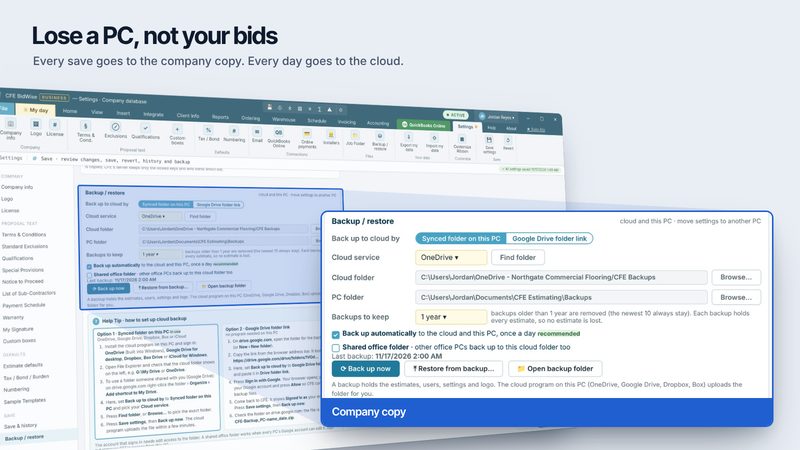
Backup and restore after a crashCompany copy on every save, a daily cloud backup, and three ways to restore.
- Guide 71
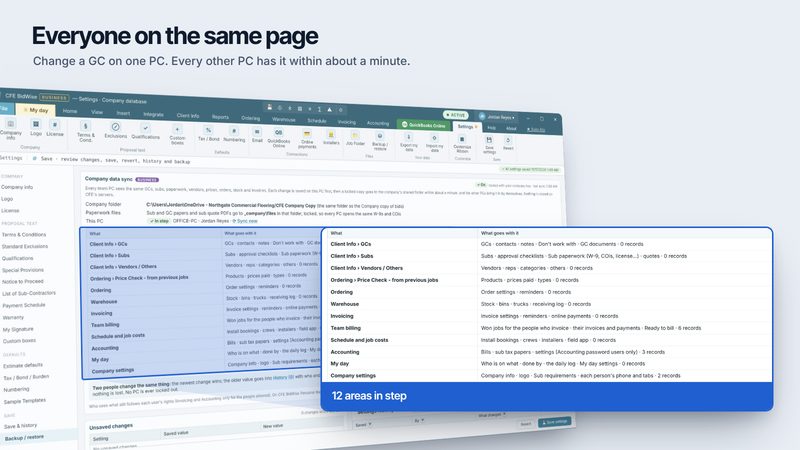
Company data syncGCs, subs, prices, orders, stock and invoices, the same on every team PC.
- Guide 75
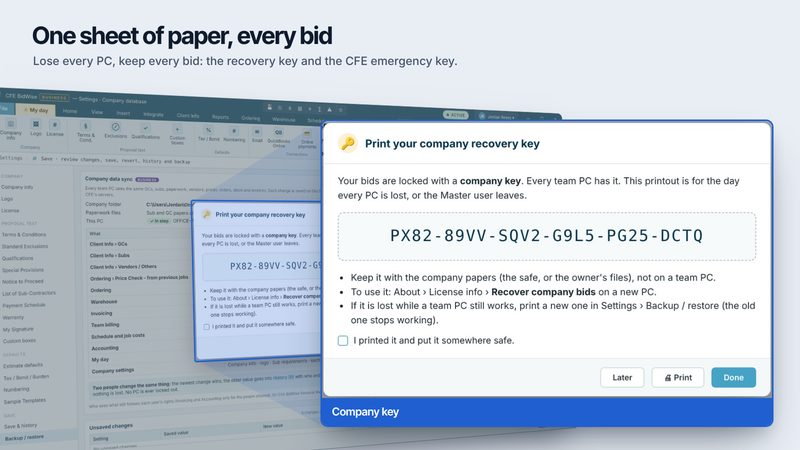
Recovery key and emergency keyPrint the recovery key, keep or turn off the emergency key, recover on a new PC.
- Guide 76
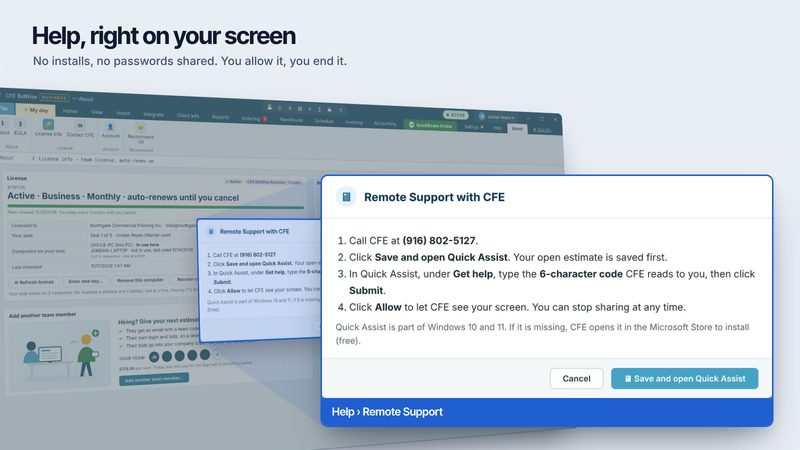
Remote Support with CFECall CFE, click Remote Support, type the code, allow, stop any time.
- Guide 110
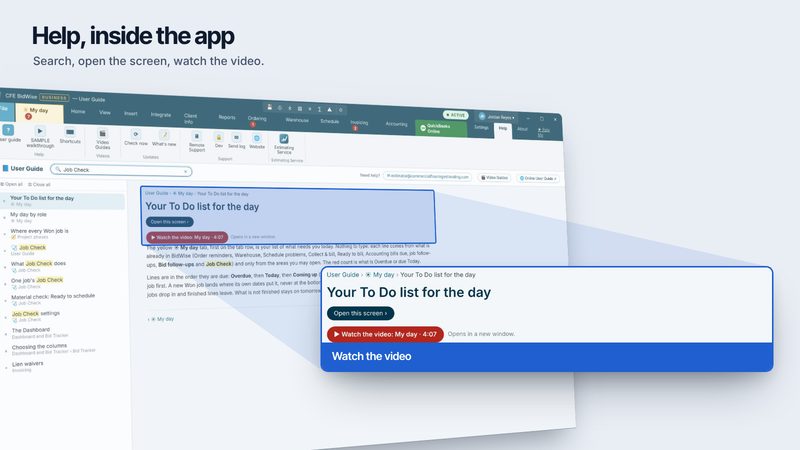
The built-in User guide338 topics, Open this screen, and Watch the video on the topics our videos cover.
Follow along in your own copy
The 30-day free trial unlocks every feature in these guides. No credit card, Windows 64-bit.
Last updated: