
CFE guide · BidWise Job Board
Take a Bid From a Salesman: From BidWise Sales to the Job Bid Board
A linked salesman adds a bid in BidWise Sales with three boxes: Project, GC and Bid due. It lands on your Job Bid Board as New. Click Review to read the scope, sections and notes, then Take it with an expected date and a note to Sales. The salesman gets a notice. Accounting › Salesmen › Reports shows every salesman’s bids and wins.


Why it matters
A salesman who hears about a job tells the estimator in the hallway, by text, or not at all. The bid date lives in their head.
With BidWise Sales linked to your company, the salesman types three boxes and the bid is on the board for every estimator, with the date. When it is taken, they know by whom and when it will be ready.
The 6 steps
- The salesman adds itThree boxes in BidWise Sales.
- It lands on the boardNew, waiting for an estimator.
- Review itScope, sections, notes.
- Take itWith a note to Sales.
- Every salesmanAccounting › Salesmen › Reports.
- What can go wrongNot on the board, no notice.
1The salesman adds a bid in BidWise Sales
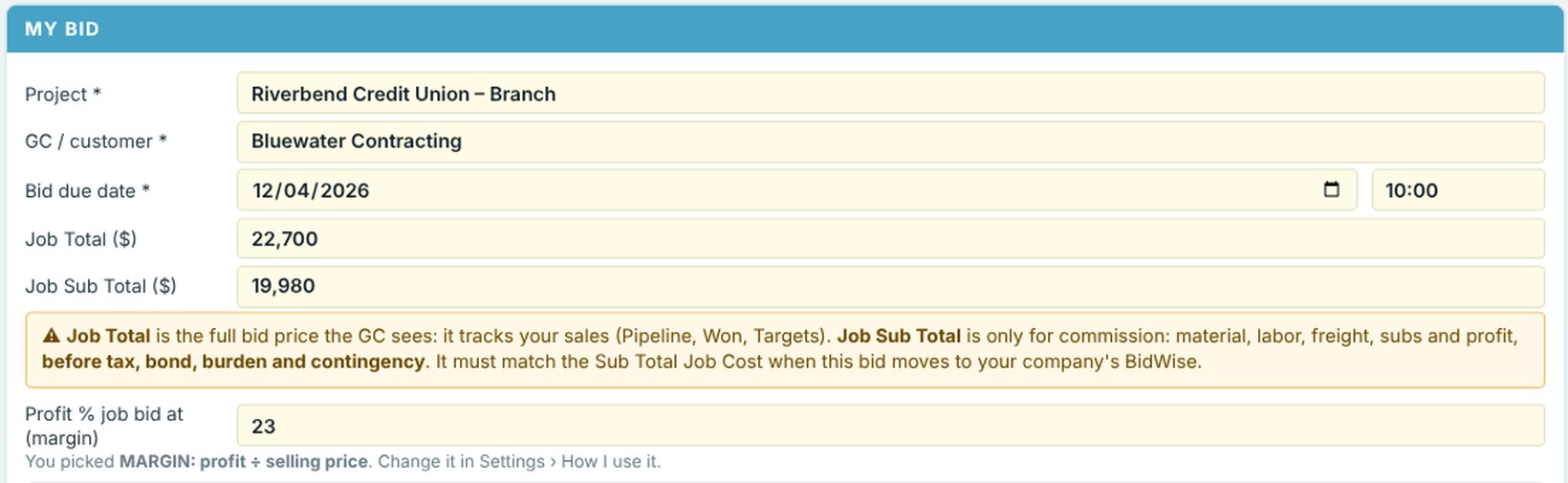
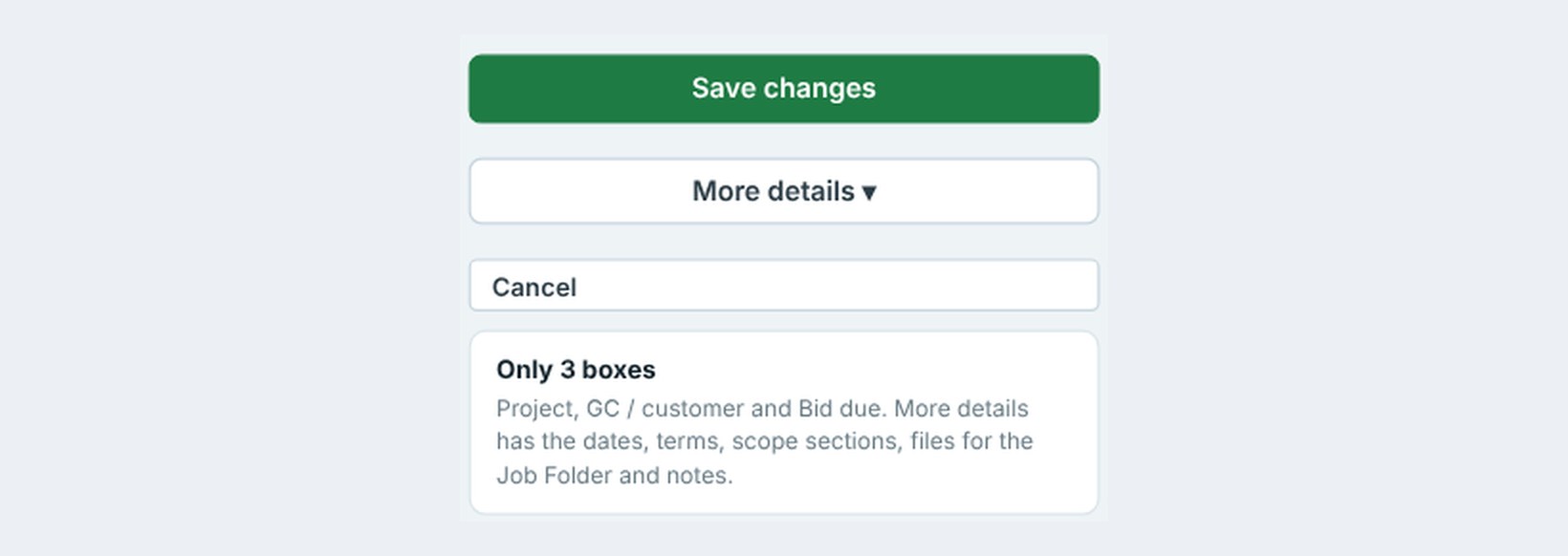
On the salesman’s PC, in BidWise Sales, they click Add a bid. Only three boxes are required: Project, GC / customer and Bid due date. Here it is Riverbend Credit Union – Branch for Bluewater Contracting, due 12/04/2026.
Their Job Total, Job Sub Total and profit % stay private on their PC. The board never shows them.
2See it land on the board as New


Within a minute the bid is on your Job Bid Board as RO-100002, New, waiting for an estimator. The Waiting for an estimator tile goes up by one.
The History on the right says where it came from: Added to the Job Bid Board from BidWise Sales.
3Review the scope and notes
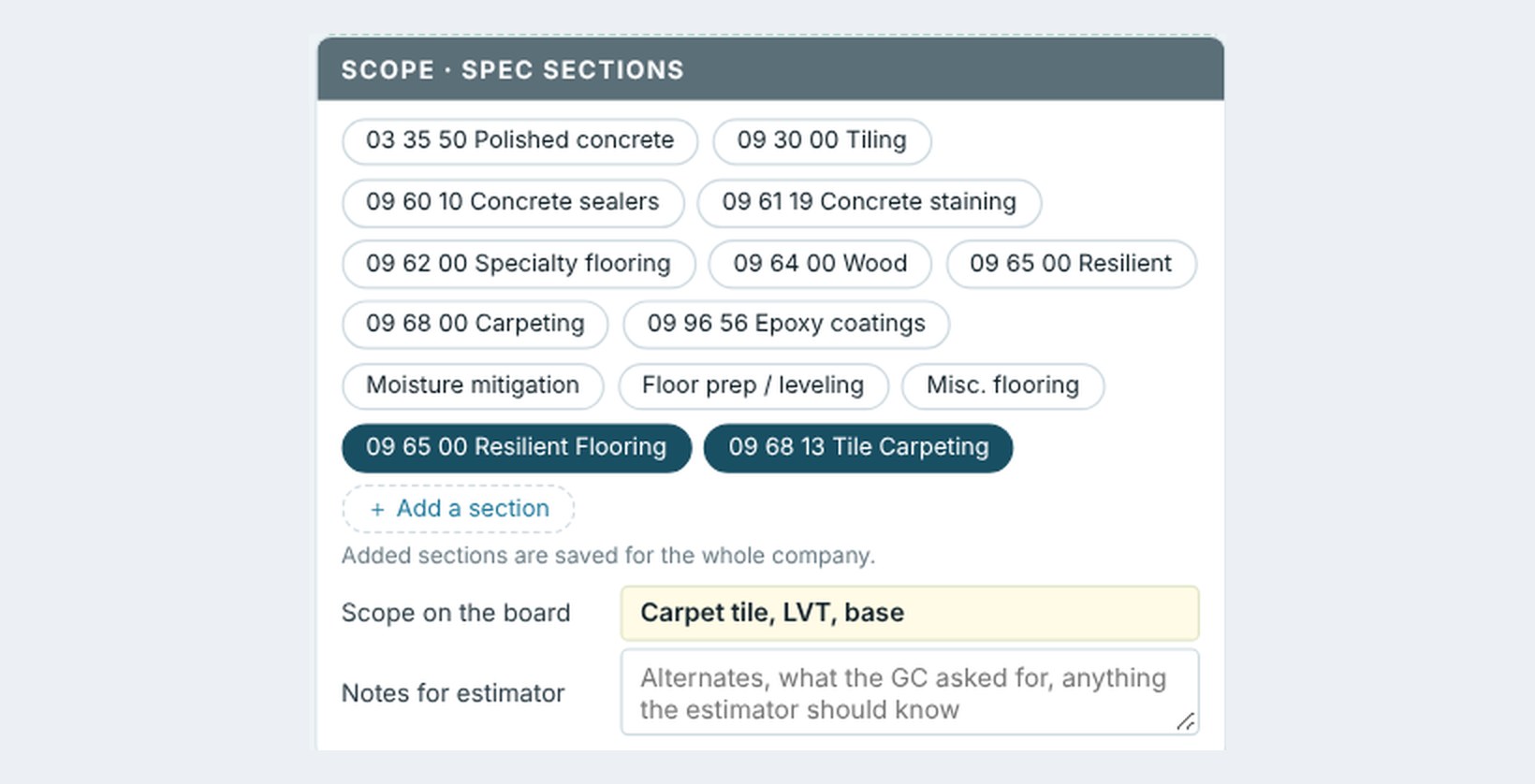
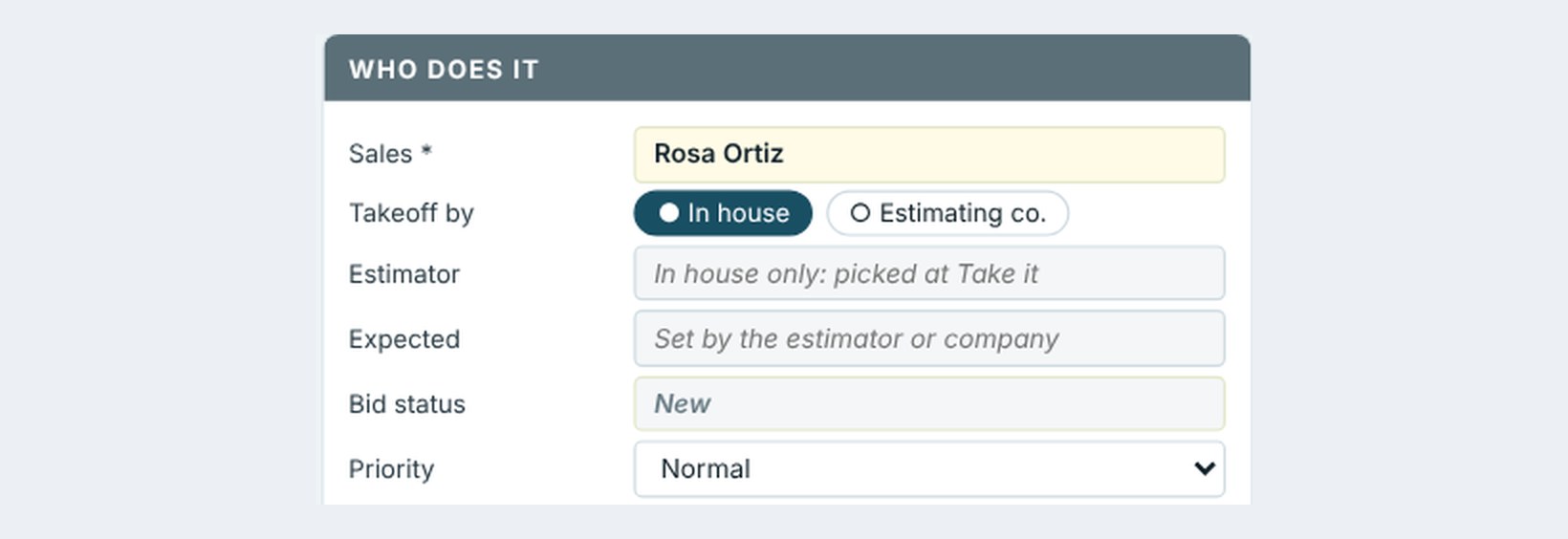
Click Review on the line. The bid opens with everything the salesman typed. The Scope · spec sections are picked: 09 65 00 Resilient Flooring and 09 68 13 Tile Carpeting. Scope on the board reads Carpet tile, LVT, base.
Read the Notes for estimator: alternates, what the GC asked for. Fill any box you know better, then click Save changes.
4Take it, with a note to Sales
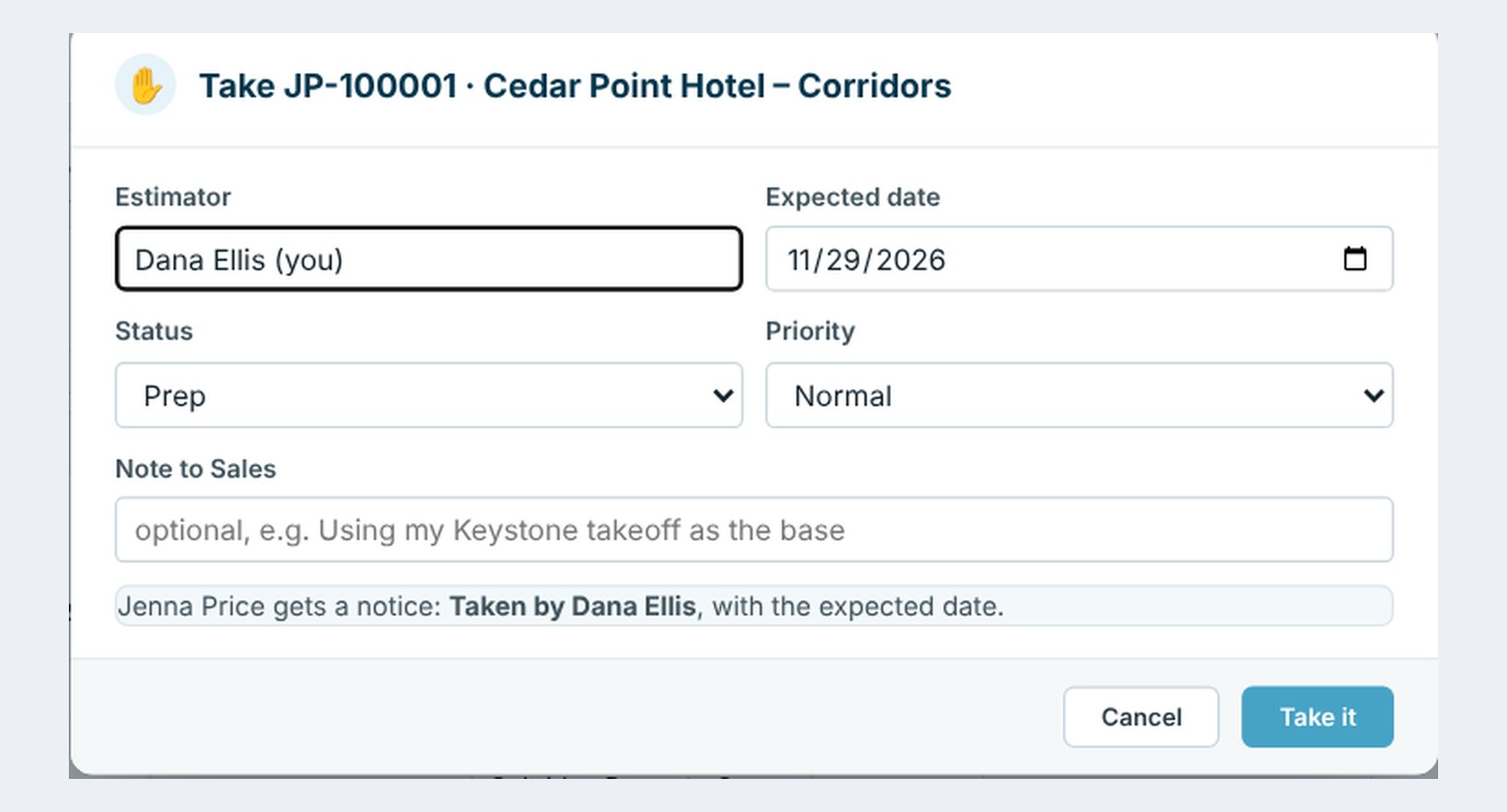
Click Take it. Pick the Expected date and Status, and type a Note to Sales if it helps, for example Using my Keystone takeoff as the base.
Click Take it. The salesman, here Jenna Price, gets a notice: Taken by Dana Ellis, with the date it will be ready.
Cannot take it? Click Pass with note instead and say why. The bid stays on the board for the next estimator, and the salesman reads your note.
5See every salesman’s numbers

The Hub Master opens Accounting › Reports under Salesmen. Every salesman · 2026 lists each one: Jenna Price, 13 estimates, 12 bids sent, 9 won for $1,226,212.04.
The total row reads 39 estimates, 24 won. A bid counts when it is sent out, not while it is a Draft.
6What can go wrong, and how to fix it
The salesman’s bid is not on the board. Their BidWise Sales is not linked yet, or still waiting for your Approve. Check Integrate › Team › Salesmen.
The salesman asks who has their bid. Open it and read the History: it lists who took it, and when.
The scope is empty. They saved with only the three boxes. Call them, or fill it from the bid invite.
Worked example: Rosa’s bid for Riverbend Credit Union
From the salesman’s PC to an estimator:
| Who | Does | Sees |
|---|---|---|
| Rosa, in BidWise Sales | Adds the bid: 3 boxes | Her prices stay private |
| The board | Shows RO-100002, New | Waiting for an estimator +1 |
| Dana, estimator | Review, then Take it | Scope and sections |
| Rosa | Gets the notice | Taken by Dana Ellis, expected date |
Nobody walked down the hall, and the bid date never left the board.
What to do next
Next, link a new salesman in Invite and approve a salesman. Or see all the step-by-step guides.
Every salesman’s bid, on one board
Download CFE BidWise and link your salesmen to the board. The Job Bid Board comes with every CFE BidWise plan. Start with the 30-day free trial, no credit card.
Frequently Asked Questions
Does the estimator see the salesman’s price?
No. Prices, profit and commission stay on the salesman’s PC.
How fast does a bid reach the board?
Within about a minute of the salesman saving it.
Who sees the Salesmen report?
Only the Hub Master.

Written by
Cristian Valcu – Founder & CEO, Commercial Flooring Estimating LLC
Cristian has estimated commercial flooring for over 20 years and built CFE BidWise around the way flooring contractors actually price, propose and track their bids.
Last updated: